Transform complex support workflows
Zendesk AI Agents in 2026: What They Do, What They Cost and Where They Stop
Zendesk AI agents are the AI agents built into Zendesk: they hold conversations over messaging, email and voice, answer from your help center and connected knowledge, and take actions in systems you authorize. They come with every Zendesk Suite and Support plan, and Zendesk bills them per verified automated resolution: $1.50 each on committed volume or $2.00 pay as you go, once the plan's allowance of 5 or 10 per agent a month runs out.
2026 rebuilt them. Essential and Advanced merged on 11 May, billing moved to resolution tiers on 18 May, Specialized AI Agents launched on 14 September, and employee service AI agents for Slack and Microsoft Teams roll out from 3 November. This guide covers what Zendesk AI agents do today, what a verified resolution costs and where the agents stop, from Zendesk's own pages as of 28 October 2026, then gives you three checks to run on your own ticket history.
What are Zendesk AI agents?
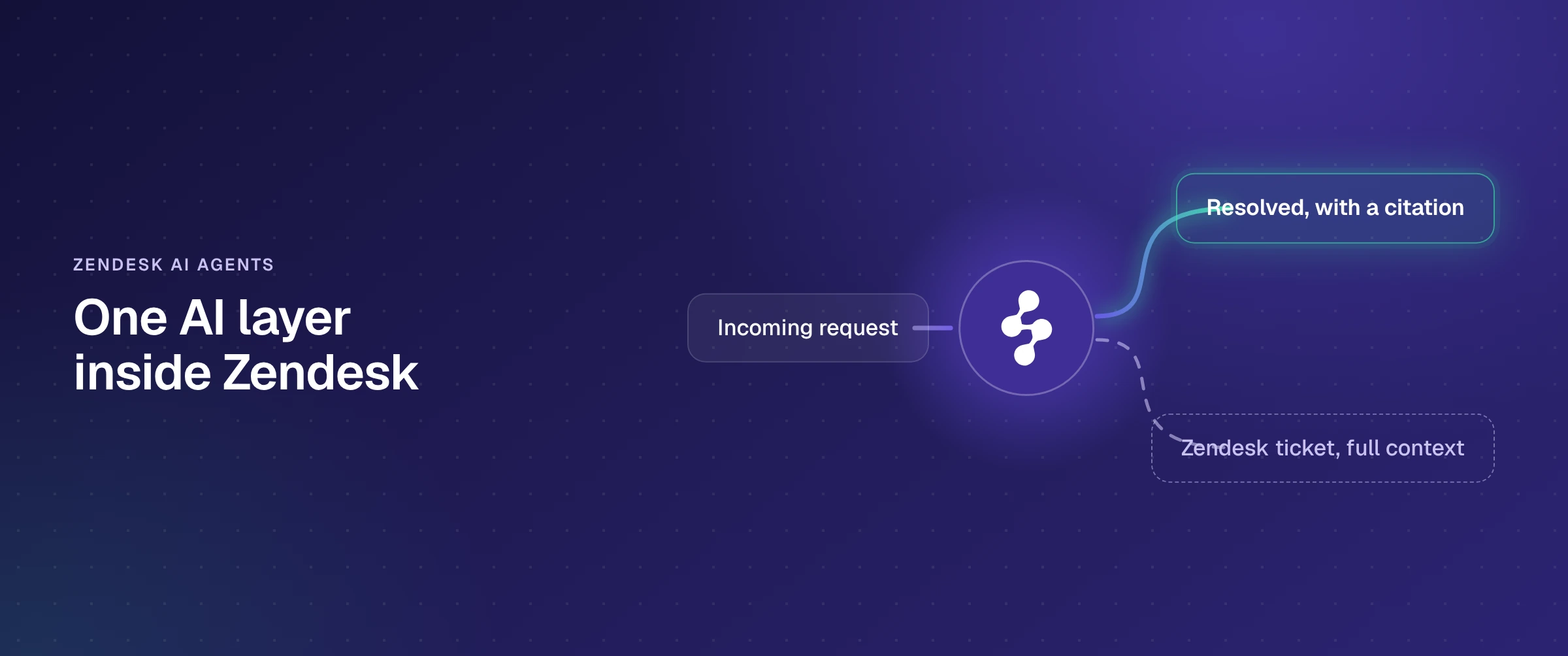
Zendesk AI agents are the AI agents Zendesk builds into its own platform for customer and employee service. Zendesk's help center describes them as chatbots that hold conversations with customers and perform actions in authorized systems on their own, using agentic reasoning: they plan, ask a follow-up question when a request is vague, and adapt mid-conversation.
As of October 2026, one Zendesk AI agent can:
- Answer from your knowledge: help center articles, websites read by Zendesk's web crawler, CSV files and outside systems synced through knowledge connectors.
- Follow procedures: goal-oriented generative procedures and scripted dialogues for requests that take several steps.
- Take actions: configured actions, API integrations, action flows and custom actions that read or update data in Zendesk and in other systems.
- Work across channels: messaging, email (including API and web form submissions) and voice for customer service; the help center, Slack and Microsoft Teams for employee service.
- Hand off: pass the conversation to a human agent in Zendesk when it can't finish.
If you searched for the Zendesk AI chatbot, this is it: the older bot builder, with its answers and intents, has been legacy since 2 February 2025 and stops working on 10 December 2026. Two related products sit next to the AI agents. Copilot assists your human agents while they work tickets and is a $50 per agent a month add-on, billed annually, for Professional plans and above. Forethought AI agents by Zendesk is a separate suite that arrived with the Forethought acquisition, completed on 26 March 2026, and also runs for teams that are not on Zendesk.
What changed in Zendesk AI agents in 2026
If you last looked at Zendesk's AI agents before May, the plans, the billing and the build tools have all changed since. Every date below comes from Zendesk's own announcements and help center, except the Relate keynote, which comes from CMSWire's coverage.
| Date | What changed | What it means for you |
|---|---|---|
| 26 Mar 2026 | Forethought acquisition completed | A second Zendesk AI agent suite |
| 11 May 2026 | Essential and Advanced merged | Procedures and API integrations in every plan |
| 18 May 2026 | Automated resolution tiers introduced | Only verified resolutions are billed |
| 18 May 2026 | Custom Agents and Agent Builder, early access | No-code agents for back-office work |
| 19 May 2026 | Relate: Autonomous Service Workforce | 40 prebuilt connectors for action flows |
| 31 Aug 2026 | Development stopped on Essential and bot builder | Critical fixes only from here |
| 14 Sep 2026 | Specialized AI Agents launched | Commerce Industry Agents, plus Custom Agents |
| 3 Nov 2026 | Employee service AI agents roll out | Slack, Teams and help center, until 1 Dec |
| 10 Dec 2026 | Essential, bot builder and autoreplies removed | Rebuild anything still running on them |
Sources: Zendesk help center announcements and newsroom, plus CMSWire for Relate (19 May 2026). Fetched 28 October 2026.
The two dates that need action: anything still built on AI agents Essential, bot builder or autoreplies with articles has to be rebuilt in the current AI agent workspace before 10 December 2026, and accounts that bought the advanced AI agents add-on before 10 March 2026 are being moved to a new AI agents workspace through the end of 2026.
What Zendesk AI agents can do today
Channels
Customer service AI agents work in messaging, email and voice, configured the same way across all three since the May merge. Voice needs a Zendesk voice plan and a voice line connected to the agent. Employee service AI agents answer in the help center, Slack and Microsoft Teams.
Knowledge
Zendesk AI agents answer from what Zendesk calls knowledge sources: a Zendesk help center (article view permissions are respected), websites read by Zendesk's web crawler (up to 500 start URLs), CSV files, and outside systems through knowledge connectors. Zendesk lists 33 dedicated connectors, including Confluence, SharePoint, Google Drive, Notion, Guru, Box, Dropbox, Jira, Salesforce, ServiceNow and Freshdesk, plus a universal connector for any source with a REST API and CSV upload for the rest. One account can connect up to 50 outside sources, storage limits depend on the plan, and only Knowledge admins can set up a connection.
The connector rules matter more than the logo list. From Zendesk's connector documentation, fetched 30 October 2026:
- Confluence: personal spaces can't be connected.
- Google Drive: Docs and Sheets in shared drives; private drives don't sync, and PDFs need an early access program.
- SharePoint: .docx, .xlsx and .md files; PDFs need the same early access program.
- Notion and Guru: one Notion connection per account; Guru syncs one selected collection.
- ServiceNow and Salesforce: the dedicated connectors sync published knowledge articles only, so past ServiceNow tickets and Salesforce cases come in only if your team builds them through the universal connector or a CSV upload.
- Jira: issues with their summary, description, status, priority, type, labels and comments, one connection per site.
Actions
Inside the AI agent workspace, Zendesk offers four kinds of action:
- Configured actions enrich a conversation, send or fetch conversation details from a CRM, or add labels for reporting.
- API integrations connect the agent to an API or data source through the no-code integration builder. Zendesk now points new integrations to custom actions instead.
- Action flows run multi-step sequences across Zendesk and outside systems when an event triggers them. They are built in action builder, they don't use action credits when an AI agent runs them, and the number you can create is limited.
- Custom actions update data outside Zendesk through an API endpoint you specify.
At Relate on 19 May 2026, Zendesk said action flows had 40 prebuilt workflow connectors, including Okta, OneDrive and Claude, with more than 100 more planned by the end of the year (CMSWire). Zendesk's own help center lists the Okta actions available in action flows: create, update, activate and deactivate a user, add or remove a user from a group, and look up a user or group. Account unlock and password reset are not on that list (support.zendesk.com, fetched 30 October 2026). An admin authorizes each connection, and each flow is built and maintained in action builder.
Specialized AI Agents
Launched on 14 September 2026, Specialized AI Agents come in two kinds. Industry Agents arrive ready for common work in one industry. Commerce is first (helping customers shop, managing orders, returns and exchanges, delivery issues and refunds, with Shopify, Narvar, Stripe and Riskified), and Zendesk names financial services, media and technology as next, without dates. Custom Agents are built by each business in Agent Builder, Zendesk's no-code environment, which opened as an early access program on 18 May 2026.
Businesses define the systems a Specialized Agent can use, the actions it can take and where a human has to approve, and the agent can run on a business event or a schedule as well as on a request. Zendesk says Industry and Custom Agents can run in Zendesk or in service environments including Salesforce and ServiceNow, and that they can automate up to 80% of workflows. That figure is Zendesk's own claim.
Employee service AI agents
Zendesk announced general availability on 2 October 2026, with the rollout running from 3 November to 1 December 2026 for Employee Service Suite Growth plans and above. These agents answer in the help center, Slack and Microsoft Teams, read more than 20 knowledge connectors (Google Drive, SharePoint, Confluence, Notion, Slack, Teams and Box among them) with access permissions respected, run advanced action flows for multi-step tasks, and escalate to a human through a Create ticket action.
How much do Zendesk AI agents cost?
Turning them on costs nothing extra: AI agents are included in every Zendesk Suite and Support plan. What you pay for is automated resolutions beyond your plan's allowance, at $1.50 each on committed volume or $2.00 pay as you go, on top of the per-agent price of the plan itself (Zendesk's pricing page, 28 October 2026).
| Plan | Price per agent a month (annual) | Included automated resolutions |
|---|---|---|
| Support Team | $19 | 5 per agent a month |
| Suite Team | $55 | 5 per agent a month |
| Suite Professional | $115 | 10 per agent a month |
| Suite Enterprise | Sales quote | Not published |
Monthly billing: $25, $69 and $149. Included resolutions are capped at 10,000 a year. Beyond them: $1.50 per resolution committed, $2.00 pay as you go. Copilot: $50 per agent a month, billed annually. Source: Zendesk's pricing page, fetched 28 October 2026.
What counts as a billed resolution
Since 18 May 2026, Zendesk sorts every AI agent conversation into one of three tiers once it ends: 2 hours after the first message on messaging by default (adjustable up to 72 hours), 72 hours after the first email, or at hang-up on a call. A large language model then checks the transcript.
- Assisted escalation: the AI agent contributed and a human agent finished the resolution. Not counted against the allowance.
- Contained resolution: the AI agent handled the conversation to the end without the customer asking for more help, but the conversation didn't pass verification. Not counted.
- Verified resolution: the AI agent resolved the request and the check confirmed it. This is the tier that draws on the allowance and is billed beyond it.

A worked example
Take a 20-agent team on Suite Professional, billed annually. Seats cost 20 × $115 = $2,300 a month, and the plan includes 20 × 10 = 200 automated resolutions a month. If the AI agent verifies 1,000 resolutions a month, 800 are billable: $1,200 at the committed rate or $1,600 pay as you go. Copilot for all 20 agents would add $1,000 a month. For the full bill at 5, 10 and 25 agents, with every add-on, see our breakdown of Zendesk pricing.
Employee service AI agents bill differently. Each one includes 10 automated resolutions a month on Growth and Professional plans and 15 on Enterprise and Enterprise Plus, and billing starts on 3 November 2026. At the limit, the agent pauses until the next month unless you buy more at $0.99 per resolution.
What Zendesk AI agents are built for
Zendesk AI agents are built for teams that run service on Zendesk and want the AI inside the same subscription, admin center and vendor relationship, with no separate integration to buy. That design sets the boundary in four places.
The AI lives in the Zendesk subscription. AI agents come with Suite and Support plans, draw on Zendesk's resolution allowance and are configured in Zendesk's AI agent workspace. Handoffs go to human agents in Zendesk, and employee service agents escalate with a Create ticket action in Zendesk.
Zendesk's roadmap sets your rebuild dates. Bot builder, answers and intents became legacy on 2 February 2025. AI agents Essential and zero-training agents became legacy on 11 May 2026, and bot builder, Essential and autoreplies with articles stop working on 10 December 2026. Each change moved work your team had already configured.
Knowledge comes in through connectors, on each connector's terms. The agent answers from what the connectors sync. A source synced as published articles only, like ServiceNow or Salesforce, brings its articles; its ticket history needs a custom build through the universal connector or a CSV upload.
The bill follows verified resolutions. That ties cost to outcomes Zendesk's model confirms, and on employee service it also means the agent stops answering at the monthly limit until someone buys more.
Zendesk AI agents vs Enjo inside Zendesk
Enjo is an AI Support Agent that deploys into the Zendesk you already run, rather than a feature of it. Here is how the two compare on the rows that decide it, with Zendesk's side taken from its own pages on 28 October 2026.
| Capability | Zendesk AI agents | Enjo in Zendesk |
|---|---|---|
| What it is | Built into Zendesk Suite and Support plans | AI Support Agent deployed into Zendesk |
| Where requesters ask | Messaging, email, voice; Slack, Teams for employees | Slack, Teams, website chat, Help Center, Slack Connect |
| Knowledge | Help center, web crawler, CSV, 33 connectors | Confluence, SharePoint, Drive, Notion, Guru, files, websites |
| History from other helpdesks | Jira issues; ServiceNow and Salesforce articles only | Past tickets and cases: ServiceNow, Jira, Salesforce, Zendesk |
| Actions in other systems | API integrations, custom actions, action flows | Okta, Entra ID, Jira, ServiceNow, Salesforce, custom APIs |
| Escalation | Handoff to human agents in Zendesk | Zendesk ticket with conversation, context, next steps |
| Help for human agents | Copilot add-on, $50 per agent a month | Agent Assist in the Zendesk agent view |
| How the AI is billed | Per verified resolution, $1.50 to $2.00 | Per AI reply, not per seat |
| Where the setup lives | Zendesk's AI agent workspace | Enjo, portable across helpdesks |
Zendesk: zendesk.com pricing and support.zendesk.com, fetched 28 October 2026. Enjo: enjo.ai.
Zendesk now reads many of the same sources Enjo does, so the deciding rows are further down: whether past tickets and cases from your other helpdesks feed the answers, which systems the agent can change, what the escalation carries, and whether the AI's setup belongs to your helpdesk or to you.
How Enjo works inside Zendesk
On this route Enjo deploys into Zendesk and Zendesk stays the system of record. Enjo is an AI layer, not a ticketing platform. It does not replace the helpdesk as the system of record, which is the point rather than a limit. See Enjo for Zendesk for the setup.
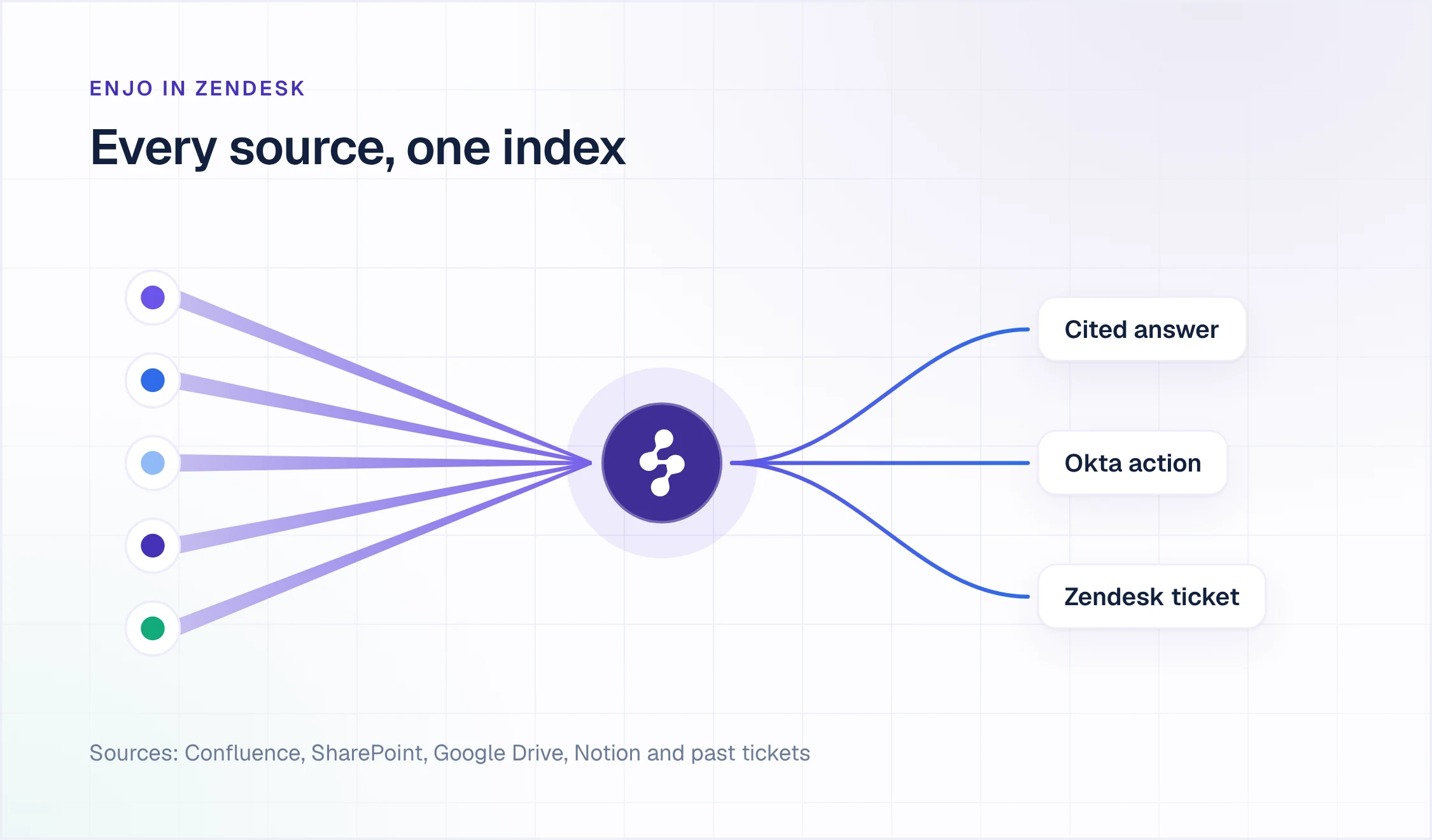
One knowledge index across every source
Knowledge, inside Enjo, holds every source in one index. Confluence, Google Drive, SharePoint and OneDrive, Notion and Guru sync daily. So do past tickets from Zendesk, ServiceNow and Jira or JSM, and past cases from Salesforce Service Cloud. Web pages, uploaded files (PDF, DOCX, audio, video and more) and past Slack conversations come in once. The same index grounds Enjo's answers, Agent Assist and the Help Center, so what the AI says is what your agents see and what requesters find. Every answer is grounded in your knowledge, with citations, and runs under Guardrails with a full audit trail.
Aptean shows what that does to a support queue. The enterprise ERP provider runs Enjo on Salesforce rather than Zendesk, and the mechanism is the same: Enjo indexed its Salesforce case feeds, knowledge bases and SharePoint, and now resolves 37% of cases fully by AI, with 83% faster access to knowledge inside and outside Salesforce. Aptean's initial cohort went live in a single day.
Actions in the systems your requests touch
AI Actions let Enjo query and update other systems while it resolves a request: account unlocks, access provisioning and group changes in Okta, identity lookups and provisioning in Entra ID, account and group management in Google Workspace, work items in Jira and JSM, tickets in ServiceNow, case and record updates in Salesforce, and custom API and webhook actions for anything else. AI Flows chain them into multi-step work with fallbacks. Every action is explicitly configured, authorized, bounded by Guardrails and recorded in the audit trail, and Bulk Testing checks accuracy and coverage at scale before anything goes live.
Escalation and Agent Assist inside Zendesk
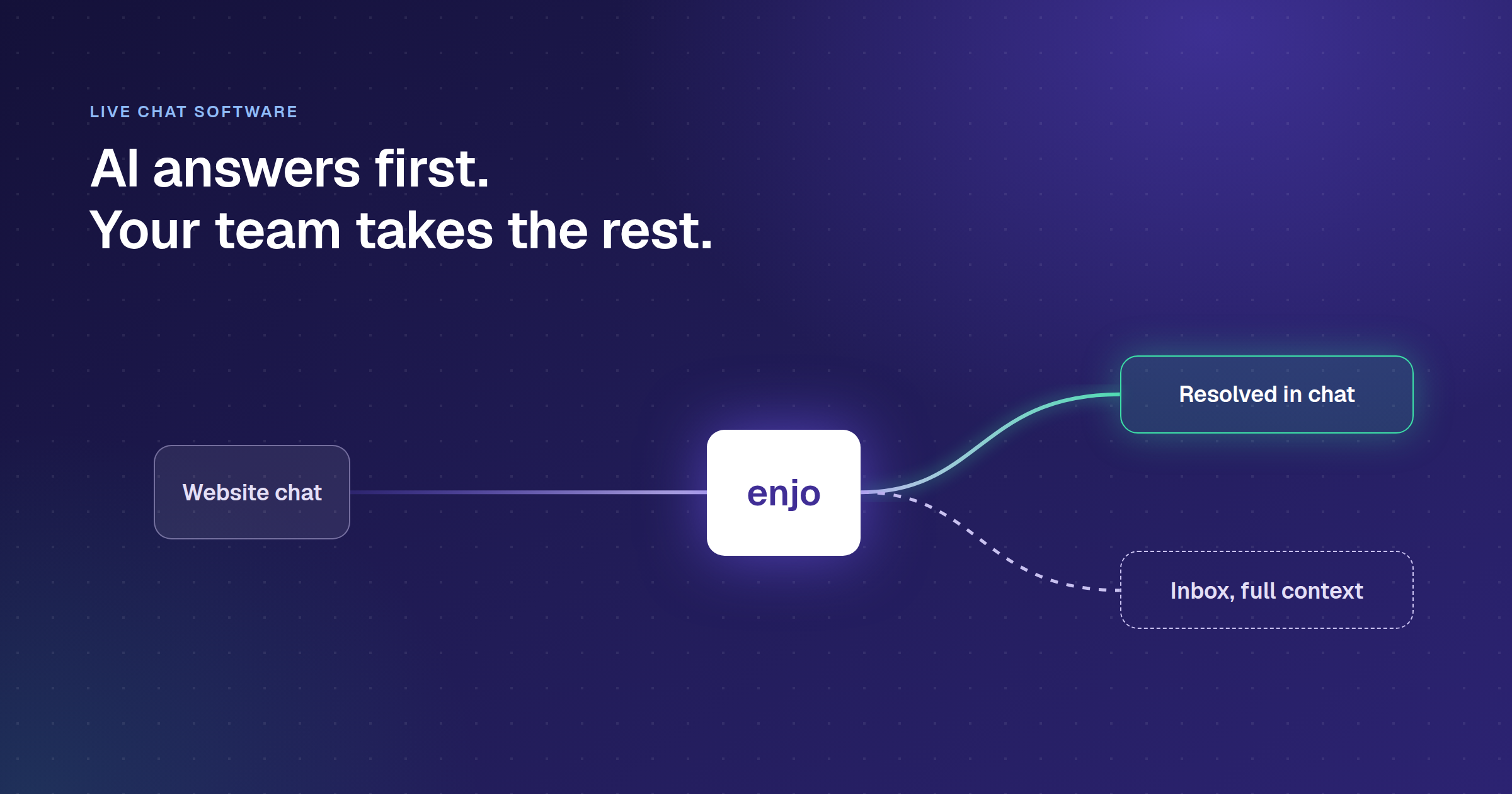
When Enjo can't resolve a request, it escalates into Zendesk as a ticket carrying the full conversation, the account context and suggested next steps, so your agent starts where Enjo stopped. In the Zendesk agent view, Agent Assist supports that agent with a case summary, reply suggestions drawn from prior resolutions, reply refinement and AI translation, real-time sentiment, ticket autofill, and Knowledge Gen, which turns a resolved case into a draft article. Enjo also learns in real time from how your team responds to each escalation, with nothing extra to configure.
Where requesters reach it
Enjo resolves requests in Slack, Microsoft Teams, website chat, a Help Center portal and Slack Connect shared channels. The same Enjo can serve customers whose tickets live in Zendesk and employees whose requests go to Jira Service Management or ServiceNow, with one knowledge layer and escalation into each helpdesk. Delivery Hero runs Enjo across more than 30 Jira service desks, with over 95,000 people in Slack. Because your knowledge, flows and training live in Enjo, they stay portable if you ever change helpdesks.
Three checks to run on your own ticket history
Run these on the last 50 resolved tickets from one Zendesk queue, on your own systems rather than in a demo.
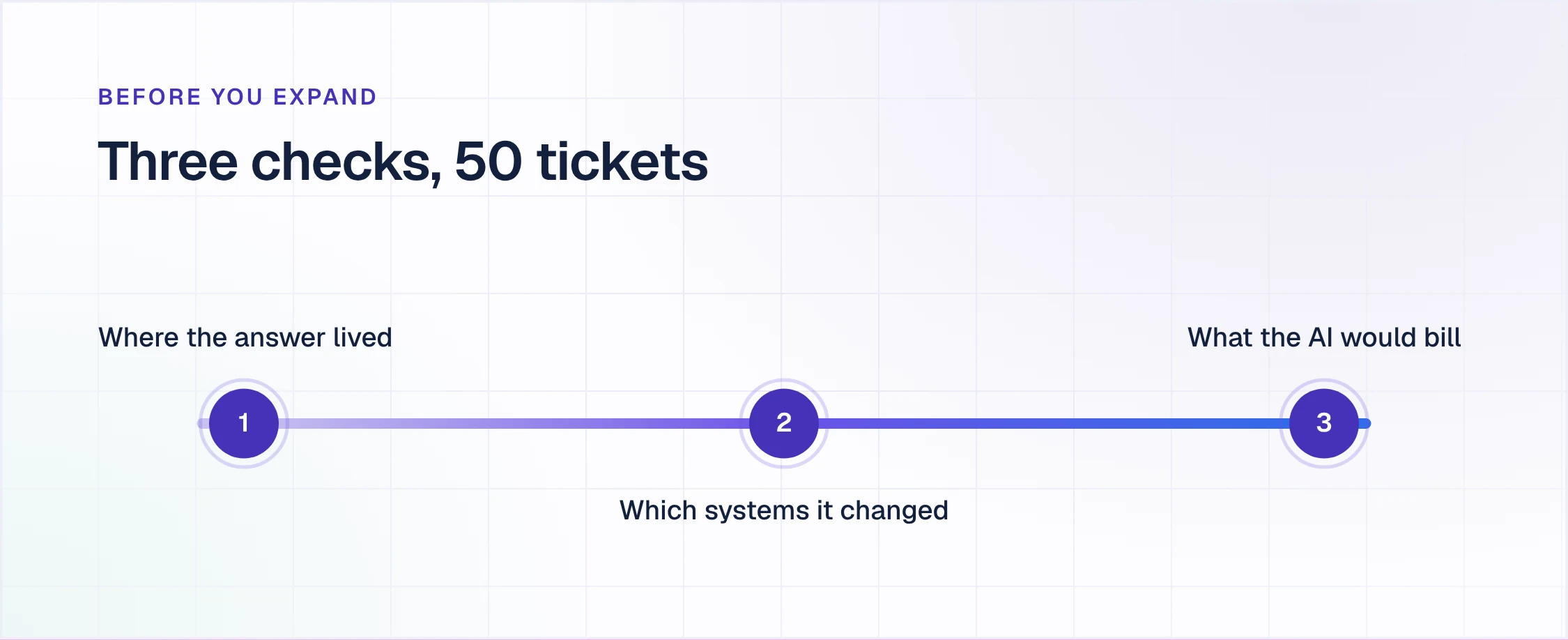
1. Where did the answer live?
For each ticket, note where your agent found the answer: the Zendesk help center, a source Zendesk's connectors sync in full, a source the connector rules leave out (a Confluence personal space, a private drive, a PDF in Google Drive or SharePoint without the early access program), the history of a past ticket in ServiceNow or a past case in Salesforce, or a colleague's head. The last three groups show how much of your queue depends on content a built-in agent would need new articles or a custom connector build to cover.
2. Which systems did the resolution change?
Mark every ticket where resolving it meant changing something outside Zendesk: unlocking an Okta account, granting access, creating a Jira work item, updating a Salesforce record, issuing a refund. For each system, find out whether it is a prebuilt connector or an integration someone on your team has to build, authorize and maintain, and who owns it after launch.
3. What would the AI bill, month by month?
Count the tickets that would have ended as verified resolutions, scale them to a month, subtract your allowance of 5 or 10 per agent, and price the rest at $1.50 committed or $2.00 pay as you go. For employee service, find the month you would reach the per-agent limit, because the agent pauses there until you buy more at $0.99 each.
Enjo's answer on the Zendesk you already run: for the first check, one index across every source, including past tickets and cases from Zendesk, ServiceNow, Jira and Salesforce; for the second, AI Actions in Okta, Entra ID, Google Workspace, Jira, ServiceNow, Salesforce and custom APIs, each configured, authorized and audited; for the third, pricing per AI reply rather than per seat. Desk Assessment, in Enjo's Automation Tools, analyzes your ticket history and quantifies the automation opportunity in it.
See Enjo resolve requests inside your Zendesk
Tell us where your answers live and which systems your requests touch, and we'll show Enjo answering from those sources with a citation, acting in those systems, and escalating into Zendesk with the full conversation, account context and suggested next steps.
Book a demoZendesk stays your system of record. Nothing to migrate.
Frequently asked questions about Zendesk AI agents
What are Zendesk AI agents?
Zendesk AI agents are the AI agents built into Zendesk for customer and employee service. They hold conversations over messaging, email and voice (and Slack and Microsoft Teams for employee service), answer from your help center and connected knowledge sources, follow procedures, take actions in systems you authorize, and hand off to human agents in Zendesk when they can't finish.
How much does a Zendesk AI agent cost?
Nothing to turn on, then $1.50 to $2.00 per verified resolution beyond your allowance. AI agents are included in every Suite and Support plan; Support Team and Suite Team include 5 automated resolutions per agent a month and Suite Professional 10, up to 10,000 a year. Beyond that, a verified resolution costs $1.50 on committed volume or $2.00 pay as you go. Employee service AI agents cost $0.99 per resolution beyond their allowance.
Is the Zendesk AI chatbot the same as a Zendesk AI agent?
Yes, today. Zendesk's help center describes its AI agents as chatbots that converse with customers and act in authorized systems. The older bot builder, with answers and intents, has been legacy since 2 February 2025 and stops working on 10 December 2026, along with AI agents Essential.
What happened to Zendesk AI agents Essential and Advanced?
They were merged. From 11 May 2026 Zendesk removed the Essential and Advanced distinction and moved advanced features, such as agentic reasoning, multi-step procedures and external API integrations, into every Suite and Support plan. AI agents Essential became legacy that day and is unavailable from 10 December 2026.
What are Zendesk Specialized AI Agents?
Zendesk agents built for one industry or one business, launched on 14 September 2026. Industry Agents start with commerce (orders, returns, delivery issues and refunds, with Shopify, Narvar, Stripe and Riskified), and Custom Agents are built in Agent Builder, Zendesk's no-code environment. Zendesk says both can run in Zendesk or in Salesforce and ServiceNow environments.
Can Zendesk AI agents work in Slack and Microsoft Teams?
Yes, for employee service. Employee service AI agents answer in Slack, Microsoft Teams and the help center, rolling out from 3 November to 1 December 2026 to Employee Service Suite Growth plans and above. Customer service AI agents run in messaging, email and voice.
What is the difference between Zendesk AI agents and Copilot?
AI agents talk to customers and resolve requests on their own; Copilot assists your human agents while they work tickets. Copilot is a $50 per agent a month add-on, billed annually, for Professional plans and above, while AI agents are included in every plan and billed per verified resolution.
Can you use a different AI agent inside Zendesk?
Yes. Enjo deploys into Zendesk as a separate AI layer: it resolves requests in Slack, Microsoft Teams, website chat and a Help Center portal, escalates into Zendesk as a ticket with the full conversation, account context and suggested next steps, and runs Agent Assist in the Zendesk agent view, while Zendesk stays your system of record.