Transform complex support workflows
10 Best Customer Service Automation Software in 2026
Nobody searches for customer service automation software while the queue is under control. Something broke first: ticket volume grew faster than headcount, agents burn hours on the same 20 questions, customers in other time zones wait overnight for answers, or the chatbot already in place deflects FAQs and hands everything else to a human. Different triggers, same math: hiring your way out gets more expensive every quarter.
What is Customer Service Automation Software?
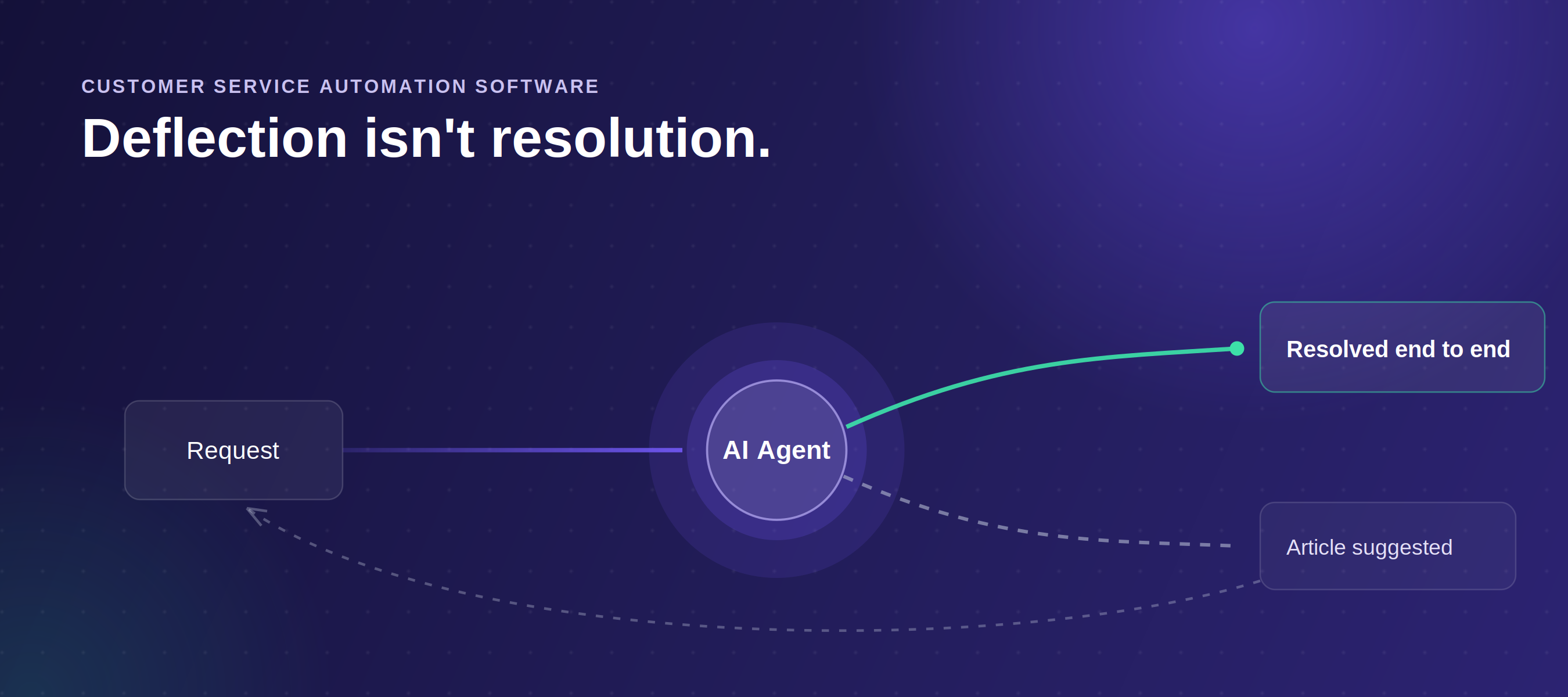
Customer service automation software handles routine support tasks without requiring a human agent for every interaction. It reads what the customer is asking, pulls from connected knowledge sources, takes action in the systems needed to resolve the request, and escalates with full context when a human needs to step in.
The practical test: can it check an order status, apply a credit, and escalate to the right queue with the conversation history attached, without a human touching the ticket? If yes, it is automation. If it stops at surfacing a knowledge base article, it is search with better positioning.
The category has moved well beyond routing rules and macros. Gartner predicts agentic AI will autonomously resolve 80% of common customer service issues by 2029. Getting there requires customer support automation software that reads knowledge from anywhere, acts in connected systems, and escalates with full context. Most platforms on this list are not there yet. This guide shows you which ones are.
For a deeper breakdown of how modern AI agents work inside this category of customer service automation software, see the AI support agents guide.
How I Evaluated These Tools
Enjo publishes this list and appears on it. Every platform here, including Enjo, was assessed on the same six criteria below. Capability claims were checked against each vendor's own documentation, pricing against each vendor's pricing page on the dates noted, and resolution rates against vendors' published case studies rather than headline claims. Where a tool has a genuine limitation, we name it.
See Enjo Resolve a Request End to End
The 10 Best Customer Service Automation Software in 2026
1. Enjo
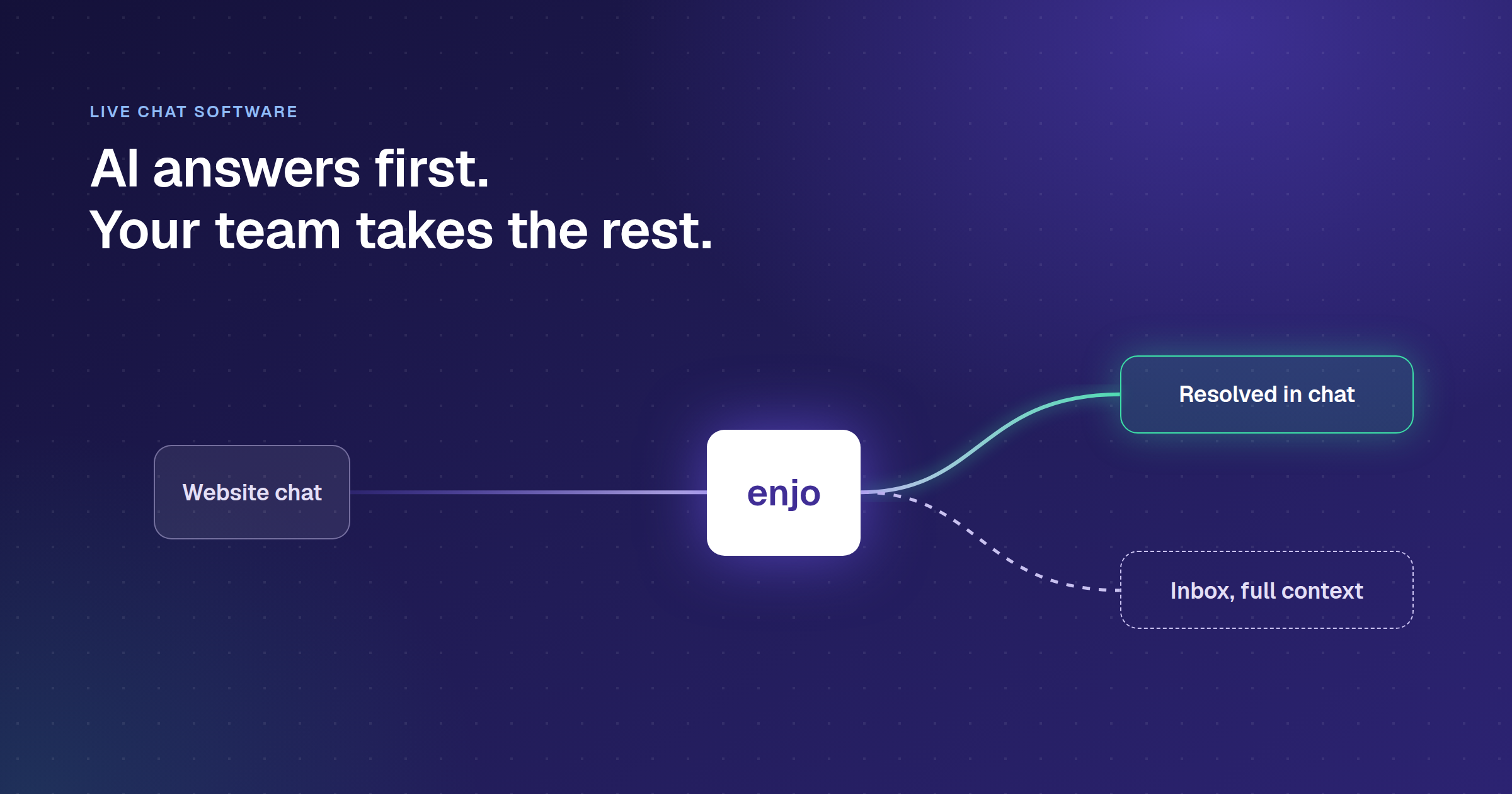
Enjo's difference on this list is knowledge reach. The AI Agent trains on everything you connect to it: Confluence, Notion, SharePoint, Google Drive, Jira tickets, Zendesk cases, Slack conversations, uploaded PDFs, and your company website via URL crawl. That reach is what makes end-to-end ticket resolution possible rather than just deflection.
How it goes to market. Usage-based, priced per AI reply with a permanent free tier and unlimited human agent seats, to teams whose knowledge is spread across multiple systems and whose Tier 1 includes actions, not just answers.
Key capabilities:
- Indexed Confluence, SharePoint, Google Drive, a company website, and past Zendesk tickets in one session, under an hour.
- AI Actions resolved an account unlock end-to-end: Okta lookup, Salesforce verification, confirmation reply. Zero human steps.
- AI Flows ran a five-step sequence and escalated with full context when one upstream system returned no result.
- Inbox surfaced conversation history and a suggested reply in under three seconds on escalated tickets.
- Unlimited human agent seats on every plan, including Free.
Scope: Enjo Platform is built agent-first. The AI Support Agent is configured before any queue exists, and Inbox is the helpdesk for escalations and human collaboration rather than the primary work surface. Teams that want a ticket queue first with AI attached later are describing the legacy model, which is the point rather than a limit.
Proof point: Aptean, an enterprise ERP provider with 80+ products and 15,000+ customers, put its initial cohort live on Enjo in a single day and used 5M+ documents across Salesforce, SharePoint and its knowledge bases to train the agent. Enjo AI now resolves 300K+ cases a year, 37% of them fully by AI without human involvement, volume equivalent to 120 agents handled by AI, with 83% faster access to knowledge for the agents working escalations inside and outside Salesforce.
Pricing: Free: $0/month, 200 AI Replies, unlimited seats, no credit card required. Starter: $95/month (1,000 AI Replies). Standard: $295/month (3,000 AI Replies). Enterprise: custom. Additional AI Replies: $0.05 each. Verified at pricing, June 2026.
.png)
2. Zendesk AI
Zendesk has restructured its AI packaging since acquiring Forethought in March 2026. AI agents, an AI knowledge base, and the Action builder are now included from Suite Team up, and the top tier ships as Suite Enterprise + Copilot with sales-only pricing. The capability is real. The evaluation question has shifted from "what does AI cost extra" to "what does usage cost beyond my plan allowance," because resolutions, App Builder, Action Builder, and Voice all bill on consumption past the included amounts.
How it goes to market. Sold as suite tiers on per-agent billing with AI resolutions usage-billed past plan allowances, to enterprise teams already running Zendesk workflows and its 1,800-app marketplace. Teams on Zendesk needing cross-system knowledge can add Enjo for Zendesk as an overlay.
Key capabilities:
- Resolution Learning Loop improves the agent with every resolved ticket, no manual retraining required.
- Forethought AI Agents run on any platform, not just Zendesk, covering triage, QA, and agent assist.
- 1,800-app marketplace covers nearly every third-party CS tool.
Honest limitation.
- Native Zendesk AI grounds on Zendesk's own knowledge base; reaching Confluence or SharePoint means the Forethought layer or an overlay.
- Per-resolution rates are not published; a 50-agent Suite Team starts at $2,750/month before consumption charges.
- Copilot is a $50/agent/month add-on below Enterprise: $2,500/month extra on a 50-agent team.
Pricing: Support Team $19/agent/month, Suite Team $55, Suite Professional $115 (all paid yearly). Suite Enterprise + Copilot: sales-only. Copilot add-on: $50/agent/month on lower tiers. AI resolutions beyond plan allowance bill on usage; rates via sales. Visit zendesk.com/pricing directly to verify.
3. Freshdesk Freddy AI
Freshdesk is the mid-market alternative to Zendesk: comparable features at a lower per-agent price. Freddy AI works well inside the Freshworks ecosystem and hits a hard ceiling the moment the AI needs knowledge from outside it. Confluence, Salesforce records, a legacy ticketing system. Freddy cannot reach them. Session-based billing (500 sessions one-time, then $49/100 with no rollover) adds a second cost surprise.
How it goes to market. Sold as a single-vendor suite on per-agent pricing with Freddy as a session-billed add-on, to small and mid-market teams in the Freshworks ecosystem.
Key capabilities:
- Freddy AI Agent resolves standard requests over email and chat using Freshdesk knowledge and past tickets.
- Copilot surfaces reply suggestions and ticket summaries on Pro and above, solid for Freshdesk-grounded requests.
- The 6-month, 1-2 agent free starter is a genuine test, not a crippled trial.
Honest limitation.
- Freddy reads only Freshworks data; cross-system knowledge hits the ceiling within weeks.
- Session-based billing with no monthly rollover creates budget waste for teams with variable volumes.
Pricing: Growth $19/agent/month, Pro $55, Enterprise $89 (annual). Freddy AI Copilot: $29/agent/month annual ($35 monthly), Pro/Enterprise only. Freddy AI Agent: 500 sessions one-time on Pro/Enterprise; $49 per 100 additional sessions. Verify at freshdesk.com/pricing.
4. Intercom Fin
Fin charges $0.99 per resolved ticket, nothing if it does not resolve. The model is cleaner than per-seat pricing, but creates a forecasting problem before you have a stable baseline. Fin's own G2 listing puts its average resolution rate at 67%; its published case studies show 42-50%. Build your budget around 45-50%. Fin now runs standalone on Zendesk, Salesforce, HubSpot, and Freshworks with no Intercom seat required.
How it goes to market. Sold per resolved outcome at $0.99, standalone or on Zendesk, Salesforce, HubSpot, and Freshworks, to high-volume messaging teams. Approval workflows, Slack Connect shared channels, and cross-system actions sit outside its core messaging scope.
Key capabilities:
- Procedures define multi-step policies in plain language and execute across chat, email, voice, and SMS in 45+ languages.
- Copilot handles agent assist during live tickets. Reply drafts used conversation context well.
- The standalone setup across non-Intercom platforms was straightforward in testing.
Honest limitation.
- Real-world resolution rates in Intercom's own case studies (42-50%) sit well below the 71% headline.
- Slack Connect shared channels, approval workflows and cross-system actions are thinner than on platforms built around them.
Pricing: Fin AI Agent: $0.99 per outcome, 50-outcome monthly minimum when run on a non-Fin helpdesk. Seat plans from $29/seat/month (Essential, annual). Copilot from $29/agent/month (annual). Visit fin.ai directly to verify.
For teams weighing whether Intercom still fits, see our Intercom alternatives breakdown.
5. Salesforce Agentforce
Agentforce passed $1 billion in ARR in Q1 FY27 (Salesforce Q1 FY27 results, May 27, 2026). The momentum is genuine. The constraint is equally genuine: Agentforce reads Salesforce data and acts on Salesforce objects only. Knowledge outside Service Cloud requires additional tooling, and Data 360 (formerly Data Cloud) is a $60,000/year prerequisite for full AI capability that gets missed in more initial budgets than it should.
How it goes to market. Sold per conversation or on Flex Credits inside the Salesforce estate, with Data 360 as the prerequisite for full AI, to enterprises keeping support, CRM, and knowledge in Salesforce long term. Teams on Salesforce with cross-system workflows can evaluate Enjo for Salesforce alongside it.
Key capabilities:
- Atlas Reasoning Engine makes multi-step autonomous decisions on native Service Cloud data: cases, contacts, entitlements, orders.
- Agent Builder uses natural language; building a basic agent was faster than expected.
- Foundations free tier includes real functionality (Agentforce Builder, Prompt Builder, Agent Script) before paid consumption.
Honest limitation.
- AI reads Salesforce data only; cross-system knowledge requires additional tooling.
- Data 360 prerequisite starts at $60,000/year and is frequently overlooked in budgets.
- Three pricing models (per-conversation, Flex Credits, per-user) make TCO hard to forecast without a sales conversation.
Pricing: $2/conversation (24-hour session) or Flex Credits at $500 per 100,000 credits. Add-on: $125/user/month. Agentforce 1 editions: from $550/user/month. Data 360 Starter: from $60,000/year. Verify at salesforce.com/agentforce/pricing.
6. Ada
Ada is an AI customer service agent platform built for enterprise consumer brands running high-volume support, with its own UI surface as the agent's home and its strongest reference base in retail and DTC.
How it goes to market. Sold to enterprise consumer brands on custom, sales-led pricing, with the AI agent as the product rather than an add-on to a helpdesk suite.
Key capabilities:
- AI agent resolves across chat, email, and voice, with reasoning tuned for high-volume consumer requests.
- Coaching and measurement tooling for improving the agent's resolution rate over time.
- Multilingual resolution across major consumer support languages.
Honest limitation.
- Ada is opinionated about being the AI layer with its own UI surface, and its focus is customer service only; teams consolidating IT, HR, and CS onto one automation layer are running multiple vendors again.
- Pricing is custom and sales-led, so budgeting requires a sales conversation.
Pricing: Custom, sales-led; no published tiers. Contact sales at ada.cx to scope current packaging.
7. Forethought (AI Agents by Zendesk)
Forethought is an AI agent for customer support that triages, drafts, and resolves, with a longer tenure in CS-specific AI than most of the field. Zendesk acquired it in March 2026, and it continues to be sold as Forethought AI Agents by Zendesk, including to teams not on Zendesk.
How it goes to market. Sold as an AI overlay on an existing helpdesk, now inside the Zendesk portfolio, to customer support organizations that want resolution added to the stack they already run.
Key capabilities:
- Triage classifies and routes incoming requests before an agent touches them.
- AI agent resolves from connected knowledge, with agent-assist drafting on escalations.
- Runs on non-Zendesk helpdesks, including Salesforce and Freshworks stacks.
Honest limitation.
- Forethought is an AI layer on top of a helpdesk rather than a platform with its own inbox and self-service portal, and its roadmap now sits inside Zendesk's portfolio; teams choosing it to stay vendor-neutral should weigh where that roadmap points.
- Pricing is custom and sales-led.
Pricing: Custom, sales-led; no published tiers. Contact sales via forethought.ai and confirm current packaging under Zendesk.
8. HubSpot Service Hub
Service Hub is built for teams already running HubSpot CRM or Marketing Hub, where support tickets inherit deal stage and lifecycle context without manual sync. Customer context from sales and marketing flows directly into support tickets without manual sync, which makes automation more accurate when support context depends on deal stage or lifecycle status.
How it goes to market. Sold per seat on the HubSpot CRM platform, to teams running sales and marketing on HubSpot that want support automation on the same customer data layer.
Key capabilities:
- Agents see deal stage, last marketing interaction, and lifecycle status inside the ticket without switching tools.
- AI reply suggestions and summarization on Pro and Enterprise were accurate for HubSpot-grounded requests.
- Free tools are a genuine entry point.
Honest limitation.
- AI automation is limited to HubSpot data.
- Professional at $150/seat/month with a 10-seat minimum is expensive relative to dedicated customer service automation software at the same feature level.
Pricing: Free tools available. Service Hub Starter $20/seat/month. Professional $150/seat/month (10-seat minimum). Enterprise $150/seat/month. One-time onboarding fee applies on Professional and above. Verify current rates at hubspot.com/pricing/service.
9. Kustomer
Kustomer organizes support around the customer timeline rather than the ticket. Every channel interaction (email, chat, SMS, phone) appears as one continuous conversation per customer, which makes automation meaningfully more accurate for consumer brands with complex, cross-channel histories.
How it goes to market. Sold per user at enterprise price points, to high-volume consumer brands in retail, DTC, and subscription support where full lifetime context justifies the per-agent cost.
Key capabilities:
- AI Copilot drafts replies using the full conversation history, not just the current message.
- Channel-independent routing maintained context when customers switched between email and SMS mid-conversation.
- Routing and reply suggestions used cross-channel context ticket-centric systems could not replicate.
Honest limitation.
- The $89/user/month starting price is high for teams under 20 agents.
- Knowledge is limited to Kustomer's own CRM data.
10. Tidio Lyro
Lyro is the fastest to production on this list. I deployed it against a help center and had the agent answering questions the same hour, and every account gets 50 free conversations as a live production test. What it cannot do is take action in connected systems: no Okta unlocks, no Jira creation, no Salesforce updates.
How it goes to market: Sold on monthly plans with a free 50-conversation live test, to small teams whose Tier 1 volume is primarily FAQ-style questions rather than backend system actions.
Key capabilities:
- The 50-conversation free test shows real resolution behavior before spending anything.
- Lyro runs on Anthropic's Claude; response quality on help center content was among the strongest in this price range.
- Premium includes a 50% resolution rate money-back guarantee.
Honest limitation.
- Lyro cannot take cross-system actions; the automation ceiling is grounded Q&A.
- Steep pricing gap between Growth ($59/month) and Plus ($749/month) with no mid-tier option.
Pricing: Free tier available. Starter $29/month, Growth $59/month, Plus from $749/month, Premium from $2,999/month. Lyro AI add-on from $32.50/month (annual). Verify at tidio.com/pricing.
How Do You Choose the Right Customer Service Automation Software?
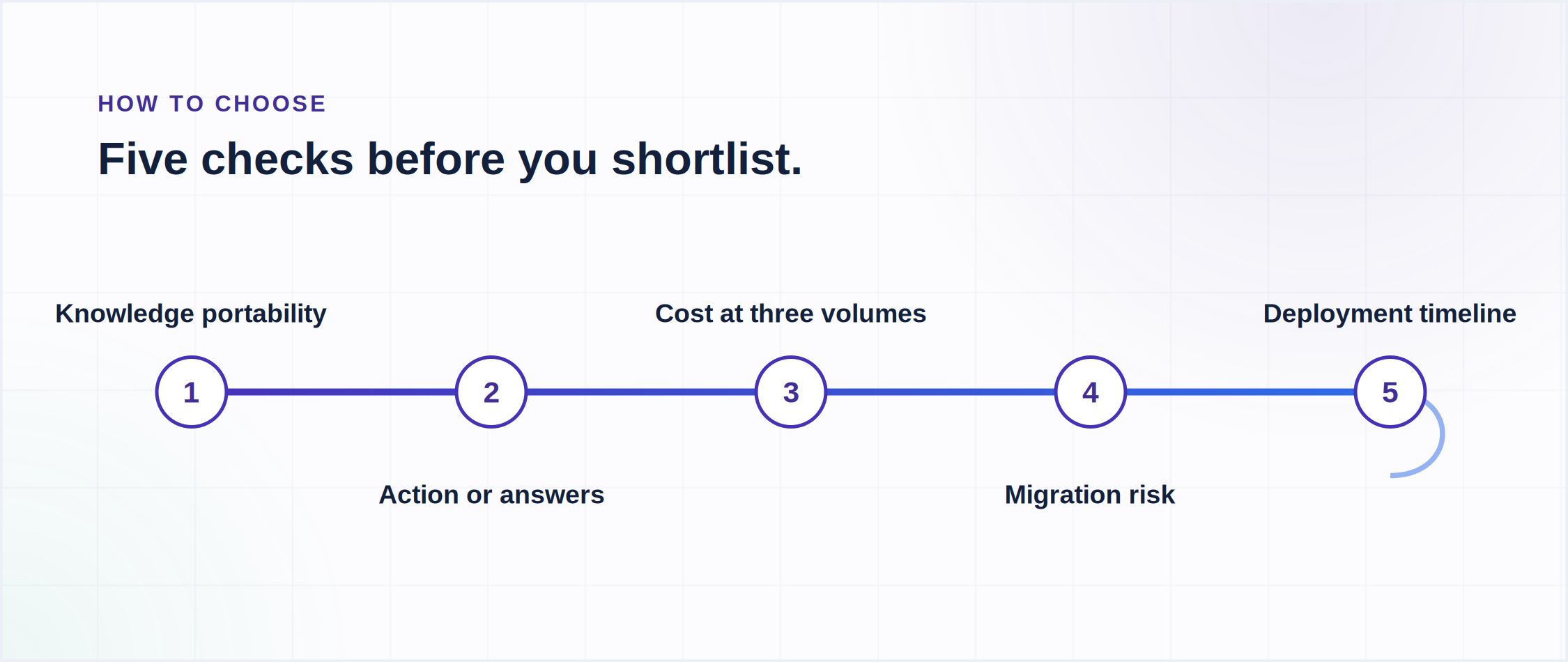
After testing this category extensively, I find that buyers in this category ask the wrong first question. The question is not "which tool has the best AI?" It is "where does my knowledge actually live, and which tool can reach it?"
Frequently Asked Questions
Q: What is the difference between customer service automation software and a helpdesk?
A: A helpdesk manages the human agent workflow: ticket queues, assignment, SLA tracking, and reporting. Customer support automation software adds the layer that handles customer interactions before a human agent is involved: routing, AI resolution, reply drafting, and post-resolution follow-up. Most modern platforms bundle both. The distinction matters for pricing: per-seat helpdesk costs are typically separate from per-resolution or per-AI-reply automation costs.
Q: How much does customer service automation software cost?
A: The billing model matters more than the headline price. Per-seat platforms (Zendesk from $19, HubSpot from $20, Kustomer from $89) charge per agent regardless of AI usage. Per-AI-reply platforms (Enjo at $0.05 per additional reply on Starter and Standard, with Free plan requests auto-escalating to human agents in Inbox at the 200-reply limit) charge per interaction. Zendesk bills AI resolutions beyond plan allowances on usage, with rates via sales. Most platforms stack AI costs on top of base fees. Model both layers before comparing.
Q: Is there free customer service automation software?
A: Yes, a few platforms on this list have free plans that include some automation. Enjo's Free plan includes 200 AI replies a month with unlimited human agent seats and no credit card, and requests escalate to your team in Inbox once the replies are used. Freshdesk has a free starter for 1 to 2 agents for 6 months, HubSpot offers free support tools, and Tidio has a free tier with limited Lyro conversations. For more options at $0, see our ranking of free customer service software.
Q: Can customer support automation software work with my existing helpdesk?
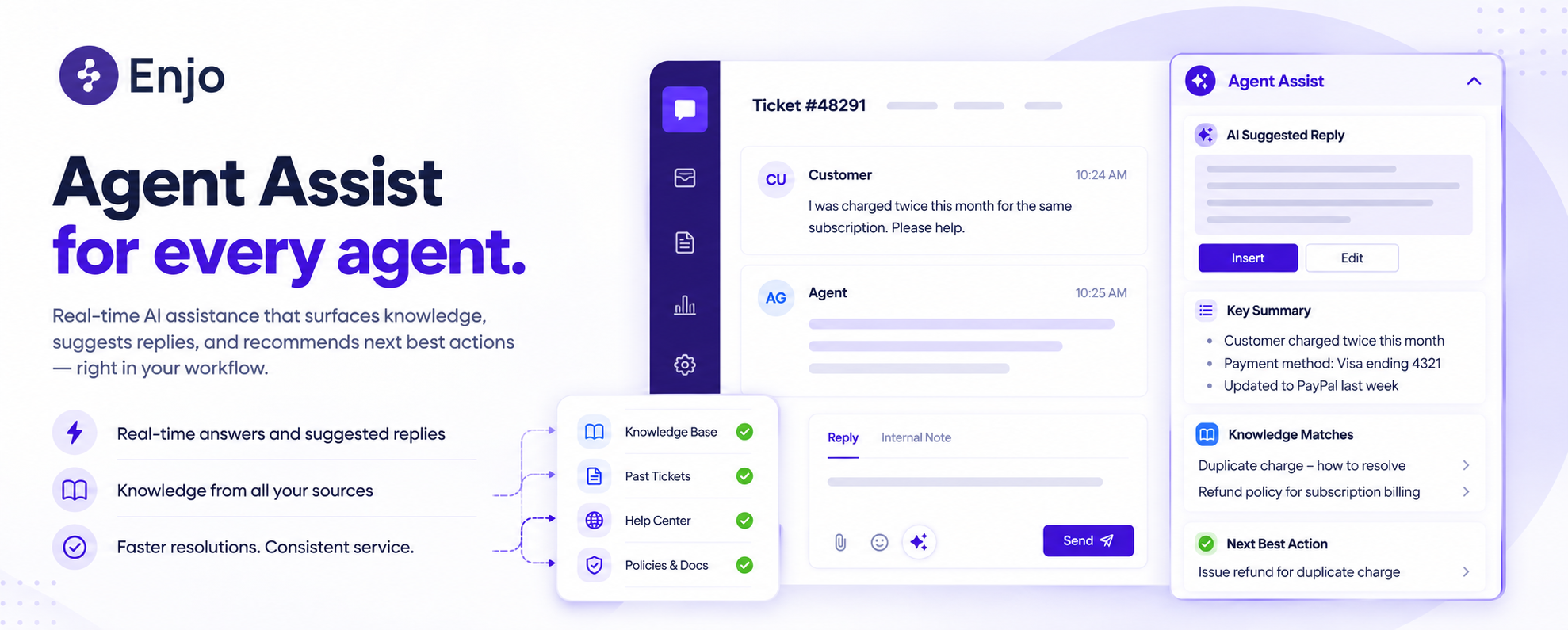
A: Overlay-capable platforms (Enjo, Intercom Fin standalone, and Forethought) work alongside Salesforce, Zendesk, Jira, and ServiceNow without migration. Enjo's Agent Assist embeds directly inside those platforms. Native platforms (Agentforce, Freshdesk Freddy, Zendesk AI) automate only within their own ecosystem. If your helpdesk contract is likely to change in the next 18 months, overlay-capable platforms protect your automation investment.
Q: What is the fastest customer service automation software to deploy?
A: Tidio Lyro deploys in hours. Enjo and Freshdesk deploy in days. Zendesk AI typically runs two to four weeks for initial setup. Salesforce Agentforce runs 60-120 days for mid-market implementations. The fastest deployments connect existing knowledge sources immediately rather than requiring a data migration as a precondition. Aptean, supporting 15,000+ customers across 80+ products, deployed its initial Enjo cohort in a single day and trained the agent on 5M+ documents.
Q: What should I look for when choosing customer service automation software?
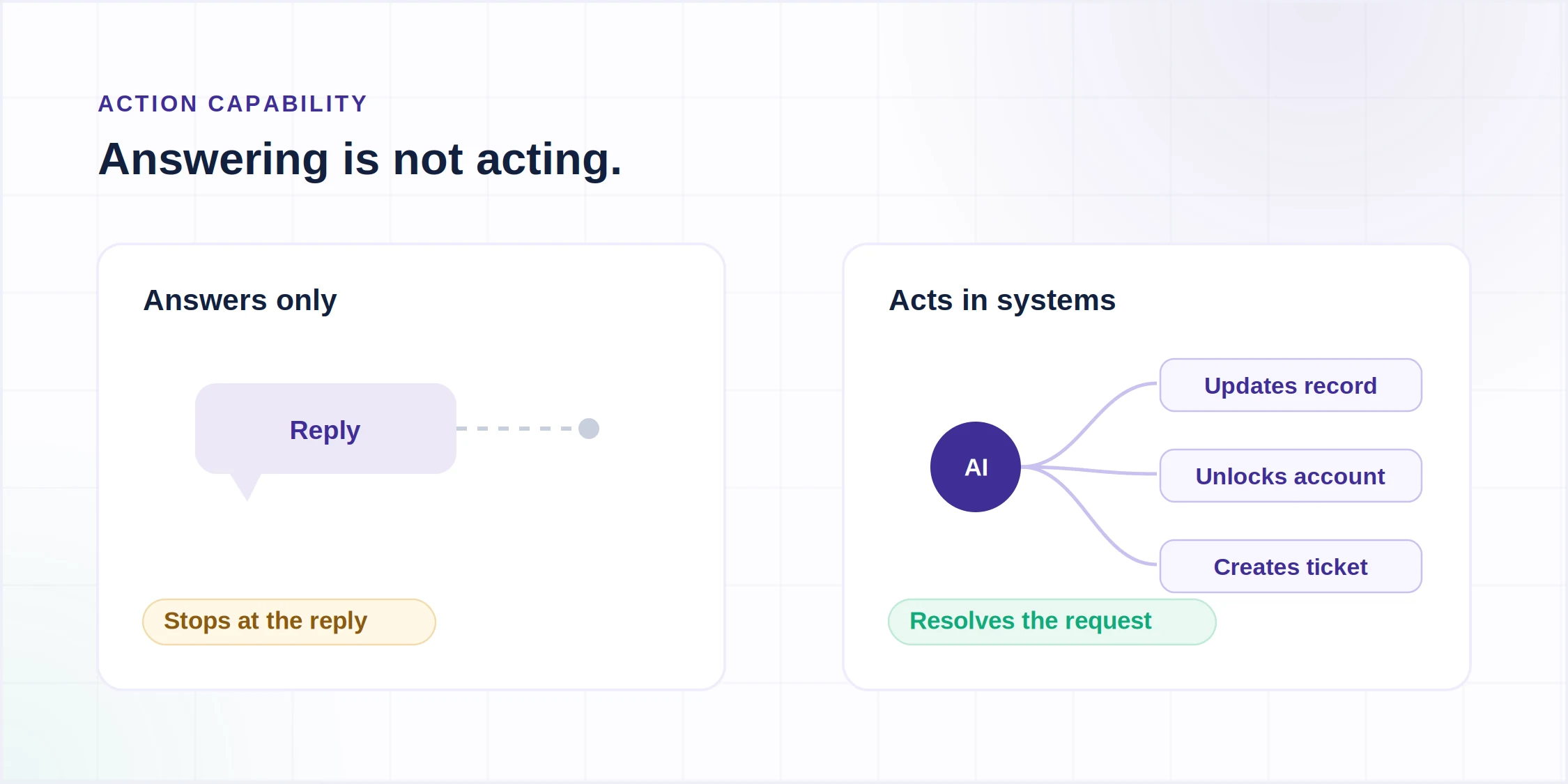
A: Six things matter when evaluating these platforms and helpdesk automation tools. Knowledge portability: can it reach your actual knowledge sources, not just its own? Action capability: can it update records and trigger workflows, not just answer questions? Stack fit: does it require migration or run alongside your existing helpdesk? Pricing model: what does the invoice look like at peak volume, not average volume? Deployment speed: can it be live before the quarter ends? And honest resolution rates: not vendor-quoted averages but the numbers from comparable deployments.