10 Best IT Automation Software in 2026
IT automation software is really three different products wearing one label: tools that patch servers and watch networks, tools that wire your apps together, and AI agents that resolve employee tickets end to end.
Most people shopping for it mean the third one — the everyday support queue. It is the most expensive slice of IT support and the least invested in, and the strongest deployments now resolve more than half of it without a person touching a ticket.
So this is not a ranking of ten interchangeable tools. Each one below is judged the way a mid-market IT team actually buys: how much it resolves by itself, what it costs once volume climbs, how fast it goes live, and what it connects to.
TL ; DR
1. Enjo — best for resolving employee IT requests in Slack and Teams
2. Moveworks — best for large-enterprise employee experience
3. Aisera — best for broad enterprise ITSM coverage
4. Atomicwork — best for replacing a legacy ITSM
5. ServiceNow Now Assist — best for existing ServiceNow shops
6. Freshservice (Freddy AI) — best for Freshworks suite consolidation
7. Microsoft Power Automate — best for Microsoft-centric busywork
8. Zapier — best for no-code cross-app connectors
9. UiPath — best for RPA on legacy systems
10. SolarWinds — best for infrastructure and network monitoring
The Three Kinds of IT Automation Software
"IT automation" splits into three jobs, and most tools are good at exactly one. Buy for the job you have, not the one with the loudest homepage.
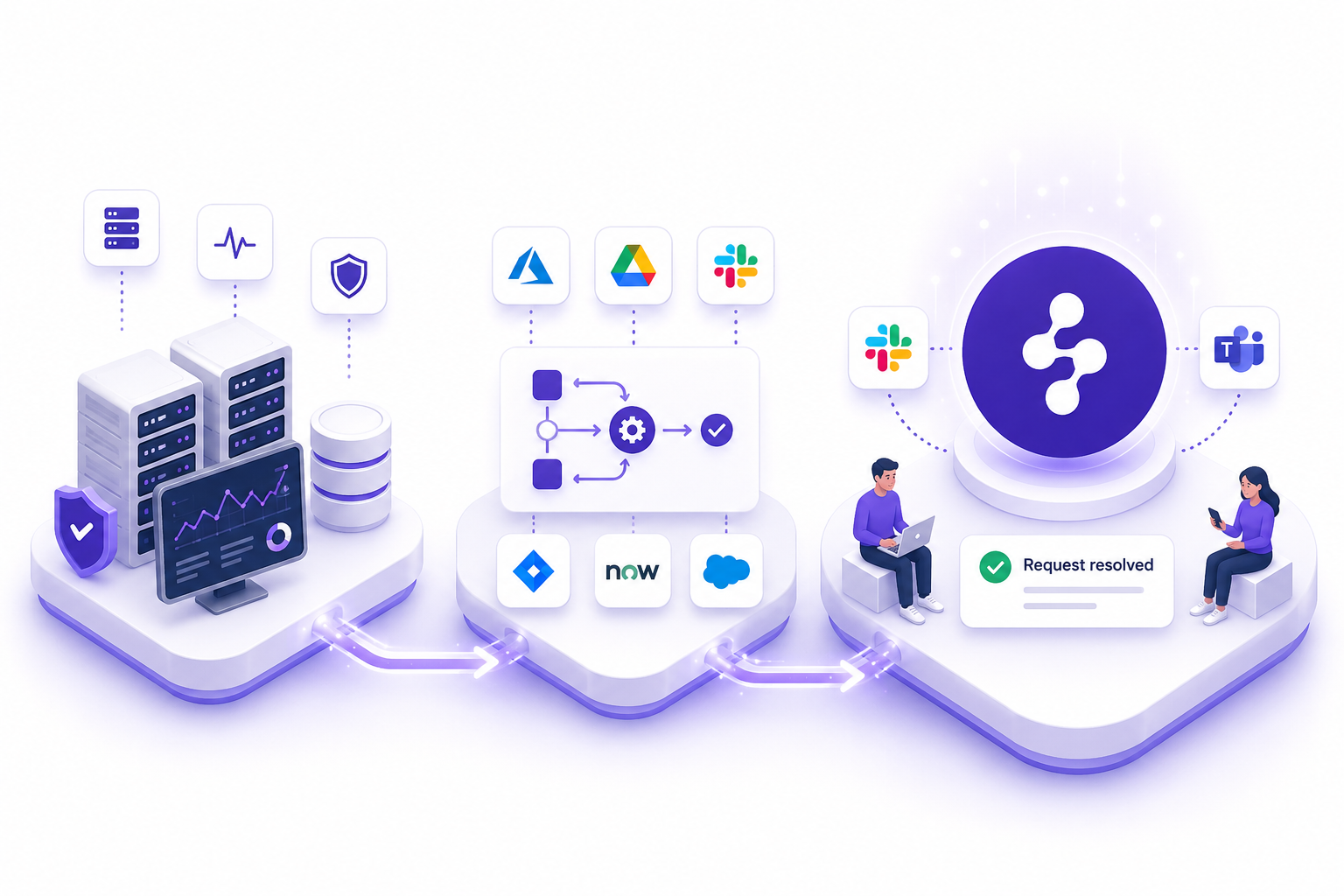
Infrastructure and IT-ops automation keeps the systems healthy: device config, network monitoring, patching, alerting. Workflow and RPA automation moves data and mimics clicks across systems that will never speak natively. AI service-desk automation, the category most people actually mean when they say they want to automate IT support, understands an employee request in plain language and resolves it end to end. That last one is where IT service desk automation earns its keep, and where the rest of this guide spends most of its time.
How We Evaluated These IT Automation Tools
Five things separate a tool you keep from one you churn off. Every tool below was scored against all five
- Resolve vs route. Does it close the request, or just hand it to a person faster? This is the whole game for the support queue.
- Pricing model. Per seat, per bot, or per outcome. The model decides whether your bill grows with your team, your robots, or the value delivered.
- Deployment speed. Days, weeks, or a multi-quarter implementation with a dedicated team.
- Integration breadth. Does it reach your real stack (Slack, Teams, Okta, Jira, ServiceNow, Salesforce), or only its own ecosystem?
- Security posture. SOC 2, ISO 27001, GDPR, audit logs, role-based access. The CISO signs off, or the project stalls.
How this list was built: this is a desk evaluation, not a hands-on trial of all ten platforms. Each tool was assessed against the five criteria above using vendor documentation and published pricing pages, G2 review data, and public product demos. G2 ratings and review counts were pulled in June 2026 and rounded to one decimal. Pricing reflects published list rates at the time of writing; enterprise tiers are quote-based and will vary, and we link to each vendor’s pricing page so you can check. The Enjo figures come from our own production deployments and are named and verifiable. Compiled by Soumya [surname], Product Manager at Enjo, and reviewed by Komal [surname].
The 10 Best IT Automation Software Tools in 2026
Here are the ten tools side by side, by the job each one does. Full detail on every entry, including G2 ratings and pricing, follows the table.
1. Enjo
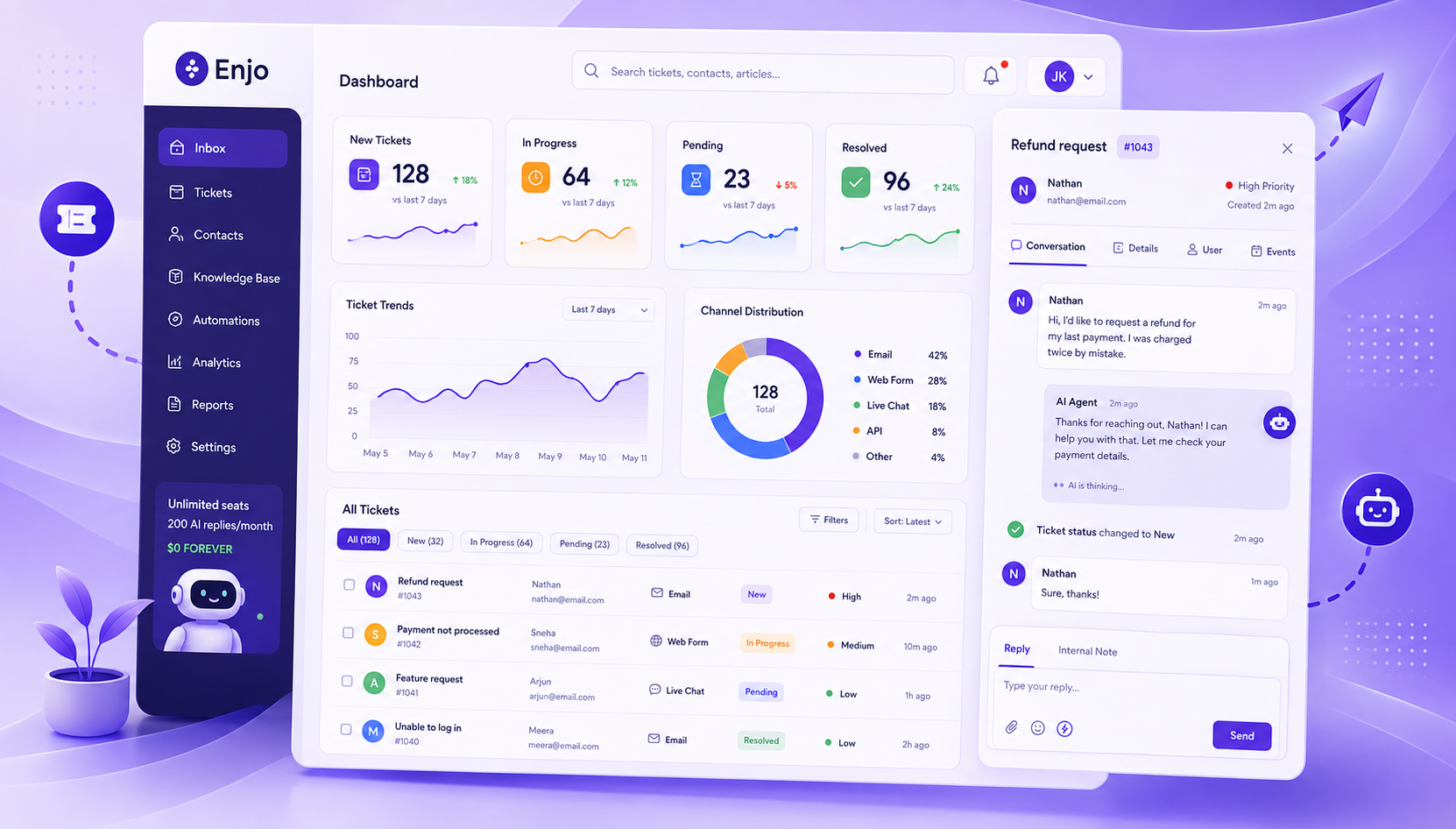
Enjo is an AI service automation platform that resolves IT and HR requests end to end inside Slack and Teams, then escalates with full context only when a human is genuinely needed. It is helpdesk-agnostic by design, so it layers onto Jira, ServiceNow, Zendesk, or Salesforce rather than replacing them.
Where it stands out is that it does things, not just answers questions. The L1 queue (password resets, software access, VPN issues) is the most repetitive and most expensive slice of IT support, and it is the slice Enjo's AI Agent closes on its own. AI Actions execute real operations in Okta, Jira, ServiceNow, and custom APIs, and AI Flows orchestrate the multi-step work with explicit fallbacks when the agent is not confident. Guardrails, a full audit log, and RBAC keep it inside policy, and unresolved requests land in the Inbox with full history attached.
- Best for: mid-market IT teams that want the employee support queue resolved where people already work, without a migration.
- Key capabilities: end-to-end resolution in Slack and Teams; AI Actions across Okta, Jira, ServiceNow, custom APIs; AI Flows with fallbacks; Studio visual builder; Guardrails, audit log, RBAC.
- Pricing: permanent Free plan at $0 (200 AI replies a month, unlimited human seats, no credit card). Starter $95/mo (1,000 replies), Standard $295/mo (3,000 replies), Enterprise custom. Additional replies $0.05 each. Priced per AI Reply, never per seat (current plans at enjo.ai/pricing).
- Proof: Aurora reached 63% autonomous resolution, with 45% faster resolution and a 60% ESAT lift. Amber Group went from POC to production in five weeks, with zero missed requests from day one.
- Third-party signal: Enjo holds a 4.8/5 rating on G2, alongside named, verifiable customer deployments like Aurora and Amber Group.
- Where it falls short: Enjo is not an RPA or infrastructure tool. It will not patch servers, monitor a network, or build cross-app glue across legacy UIs. It resolves service requests; for systems management you want a different category entirely.
Because the free tier is permanent and takes minutes to set up, you can prove it on real tickets before anyone signs a contract. See the full breakdown of AI IT support or browse practical service desk automation examples.
Book a demo at enjo.ai
2. Moveworks
Moveworks is an AI assistant for enterprise IT and employee experience, with a mature front-end and deep enterprise search. As of December 15, 2025, ServiceNow completed its acquisition of Moveworks, folding it into the ServiceNow AI Platform.
- Best for: very large IT organizations (10,000+ employees) with deep ITSM integration needs.
- Key capabilities: conversational AI front door, enterprise search, agentic reasoning, broad employee-experience surface.
- Pricing: no public pricing; enterprise contracts only, quoted by sales. Confirm current terms at moveworks.com.
- Third-party signal: rated 4.6/5 from 51 reviews on G2, with reviewers praising response speed and noting setup and fine-tuning effort.
- Where it falls short: enterprise-scale pricing and implementation timelines that rarely fit a mid-market budget. The bigger 2026 consideration is direction: now inside ServiceNow, the roadmap consolidates toward that platform, which matters if you are not committed to the ServiceNow ecosystem.
3. Aisera
Aisera is an AI service experience platform spanning IT, HR, and customer service, with a wide enterprise workflow surface.
- Best for: large IT organizations that need broad ITSM coverage and have a multi-year procurement appetite.
- Key capabilities: conversational AI across IT/HR/CS, workflow automation, broad integration catalog, bring-your-own-LLM.
- Pricing: no public pricing; enterprise quote-based. Confirm current terms at aisera.com.
- Third-party signal: rated 4.4/5 from 147 reviews on G2, with strong marks for automation and customization.
- Where it falls short: an enterprise sales motion and a longer deployment cycle than a mid-market team usually wants. Pricing is not transparent, so budgeting requires a sales conversation up front.
4. Atomicwork
Atomicwork is an agentic service management platform that unifies IT and enterprise service management, with an AI agent that works inside Microsoft Teams and Slack and can resolve requests end to end.
- Best for: companies replacing or modernizing a legacy ITSM (ServiceNow, JSM) with a more agentic approach.
- Key capabilities: universal AI agent in Teams/Slack, full ITSM modules (incident, change, problem, asset), outcome-based automation.
- Pricing: Professional from $25,000/year (up to 250 users), Business with flexible pricing (up to 1,000 users), Enterprise custom. Outcome and usage-based. Confirm current rates at atomicwork.com.
- Third-party signal: a newer entrant with few public G2 reviews; it carries a 5/5 on Gartner Peer Insights from a small early sample, so read the reviews rather than the score.
- Where it falls short: annual enterprise contracts with no permanent free tier or self-serve entry point, so the smallest teams cannot start without a commitment, and the public review base is still thin.
5. ServiceNow Now Assist
Now Assist is ServiceNow's generative AI layer (the evolution of Virtual Agent), adding conversational ticketing, incident summaries, and suggested resolutions inside the Now Platform.
- Best for: large enterprises already standardized on ServiceNow ITSM and paying for the higher tiers.
- Key capabilities: native conversational AI, incident summarization, knowledge generation, deep ServiceNow workflow integration.
- Pricing: requires an existing ITSM Pro or Enterprise subscription (roughly $100 to $200 per fulfiller per month), then adds Now Assist as a per-fulfiller add-on at a 25% to 60% uplift, with consumption-based assist tokens on top. Confirm current rates at servicenow.com.
- Third-party signal: ServiceNow ITSM is rated 4.5/5 from 1,867 reviews on G2 and was named G2's #1 IT Management product in the 2026 Best Software Awards.
- Where it falls short: it is locked to ServiceNow's data, runtime, and licensing. There is no self-serve entry, and resolving requests natively in Slack or Teams takes additional configuration. The AI reads ServiceNow and acts on ServiceNow, and turning it on usually means a tier uplift, so for mid-market teams not already deep in the Now Platform, the entry cost is steep.
6. Freshservice (Freddy AI)
Freshservice is a full ITSM suite with Freddy AI layered on for self-service and agent assistance.
- Best for: teams consolidating onto a single Freshworks suite for ticketing, assets, and AI.
- Key capabilities: ITIL-aligned ITSM (incident, change, problem), asset management, Freddy AI Copilot and AI Agent.
- Pricing: per agent, billed annually: Starter $19, Growth $49, Pro $99, Enterprise custom. No permanent free tier (14-day trial). Freddy AI is a paid add-on (around $29 per agent per month) or gated to Enterprise. Verify current rates at freshworks.com.
- Third-party signal: rated 4.6/5 from 1,335 reviews on G2, with consistent praise for ease of use and ticketing.
- Where it falls short: per-agent pricing scales with your headcount, not the work automated, and the AI you actually want costs extra on top. Like any helpdesk-native AI, it works best inside Freshworks and is limited when you need cross-system actions in Okta or custom tools.
7. Microsoft Power Automate
Power Automate is Microsoft's workflow and RPA engine, strongest at automating tasks across Microsoft 365 apps like Outlook, Teams, and SharePoint.
- Best for: Microsoft-centric orgs automating internal busywork between M365 apps.
- Key capabilities: cloud flows, desktop flows (RPA), premium connectors, AI Builder for document processing.
- Pricing: basic cloud flows are included with most M365 licenses (standard connectors only). Premium is $15 per user per month, Process (unattended RPA) is $150 per bot per month, Hosted Process is $215 per bot per month, all billed annually. AI Builder credits are extra. Verify current rates at microsoft.com.
- Third-party signal: rated 4.4/5 from 964 reviews on G2, praised for no-code automation across Microsoft apps.
- Where it falls short: the moment a flow reaches outside Microsoft (Salesforce, ServiceNow, SAP) you are into premium connectors, and unattended RPA jumps to per-bot pricing that adds up fast. It also takes real technical setup, so it is not a fast win for the employee support queue.
8. Zapier
Zapier is the most connected workflow automation platform on the internet, linking 9,000+ apps so a trigger in one tool fires an action in another.
- Best for: routing and glue work across a wide app stack, including IT use cases like ticket notifications and assignment.
- Key capabilities: 9,000+ app connectors, multi-step Zaps, filters and paths, no-code builder.
- Pricing: Free at 100 tasks per month (two-step Zaps only), Professional from about $20 per month billed annually (750 tasks), Team and Enterprise above that. Billing is per task, with overages charged above your plan. Verify current rates at zapier.com.
- Third-party signal: rated 4.5/5 from 1,900+ reviews on G2, with users highlighting its connector library and ease of use.
- Where it falls short: Zapier connects and routes; it does not understand a request or resolve a ticket. For IT it is the wiring between tools, not the agent answering the employee. Per-task pricing also climbs with your success, since the bill scales with how often flows run.
9. UiPath
UiPath is a leading enterprise RPA platform, built to automate rule-based processes across legacy systems where no clean API exists.
- Best for: automation teams running high-volume, repetitive processes on older software through software robots.
- Key capabilities: attended and unattended robots, Studio development environment, Orchestrator, AI and document understanding modules.
- Pricing: a free Community Edition for non-commercial use (up to three attended robots). Commercial plans start around $420 per month per robot; unattended robots list around $8,000 to $10,000 per robot per year; enterprise deployments run from $50,000 to $200,000+ annually. Verify current rates at uipath.com.
- Third-party signal: rated 4.6/5 from 7,250 reviews on G2, the deepest review base in this list, strong on complex process automation.
- Where it falls short: per-robot licensing is complex and expensive at scale, and the platform is built for automation developers, not conversational employee support. It is overkill if your real problem is the IT ticket queue.
10. SolarWinds
SolarWinds covers the infrastructure side of IT automation: network monitoring, configuration management, and observability, plus a separate ITSM service desk product.
- Best for: IT-ops teams automating device configuration, monitoring, and network management.
- Key capabilities: network performance monitoring, automated configuration backups and change detection, full-stack observability, service desk.
- Pricing: varies by product. Observability starts around $7 to $8 per node per month; the Service Desk product starts at $39 per technician per month and reaches roughly $99 to $124 at the top tier. No permanent free tier (trials only); larger deployments are quoted. Verify current rates at solarwinds.com.
- Third-party signal: SolarWinds Service Desk is rated 4.3/5 from 760+ reviews on G2, with praise for the interface and a common note that automation could go deeper.
- Where it falls short: this is infrastructure automation, not employee-facing service automation. It will tell you a server is down; it will not resolve the access request the employee just filed in Slack.
How to Choose the Best IT Automation Software?
Picking the best IT automation software comes down to naming the job, then the choice gets simple.
If the work is the employee support queue (the tickets that pile up every Monday), you want AI service-desk automation that resolves rather than routes, and Enjo is the fastest place to prove that. If the work is connecting apps that do not talk to each other, Zapier or Power Automate. If it is automating rule-based processes on legacy software, UiPath. If it is keeping infrastructure healthy, SolarWinds. And if you are already deep in ServiceNow or Freshworks, their native AI is the path of least resistance, as long as you are comfortable with the licensing uplift. If a chatbot is as far as you want to go first, here are the IT support chatbots worth a look, alongside more service desk automation ideas.
The Short Version
IT automation is not one category, it is three. If your most expensive problem is the employee support queue, the tool that resolves it (not just routes it) inside Slack and Teams is where the return shows up first. Enjo does that with a permanent free tier, unlimited human seats, and a deployment measured in days, which means you can test it on your real tickets this week.