Transform complex support workflows
10 Best Customer Service Software in 2026
Customer service software (often called customer support software) is the system a support team runs on: it captures requests across channels, routes them, resolves what it can, and escalates the rest. According to Gartner, 91% of service and support leaders report pressure from executive leadership to implement AI in 2026, and the market has split into more sub-types than any single shortlist can hold.
Most tools now claim the same things: omnichannel support, automation, integrations, and AI that resolves end to end. The one difference that actually shows up in production is where the AI reads knowledge from, its own database only, or every system your answers already live in. This guide compares the 10 best customer service software options of 2026 on the three facts that decide a shortlist: where each one runs, the channels it covers, and what it truly costs.
Enjo
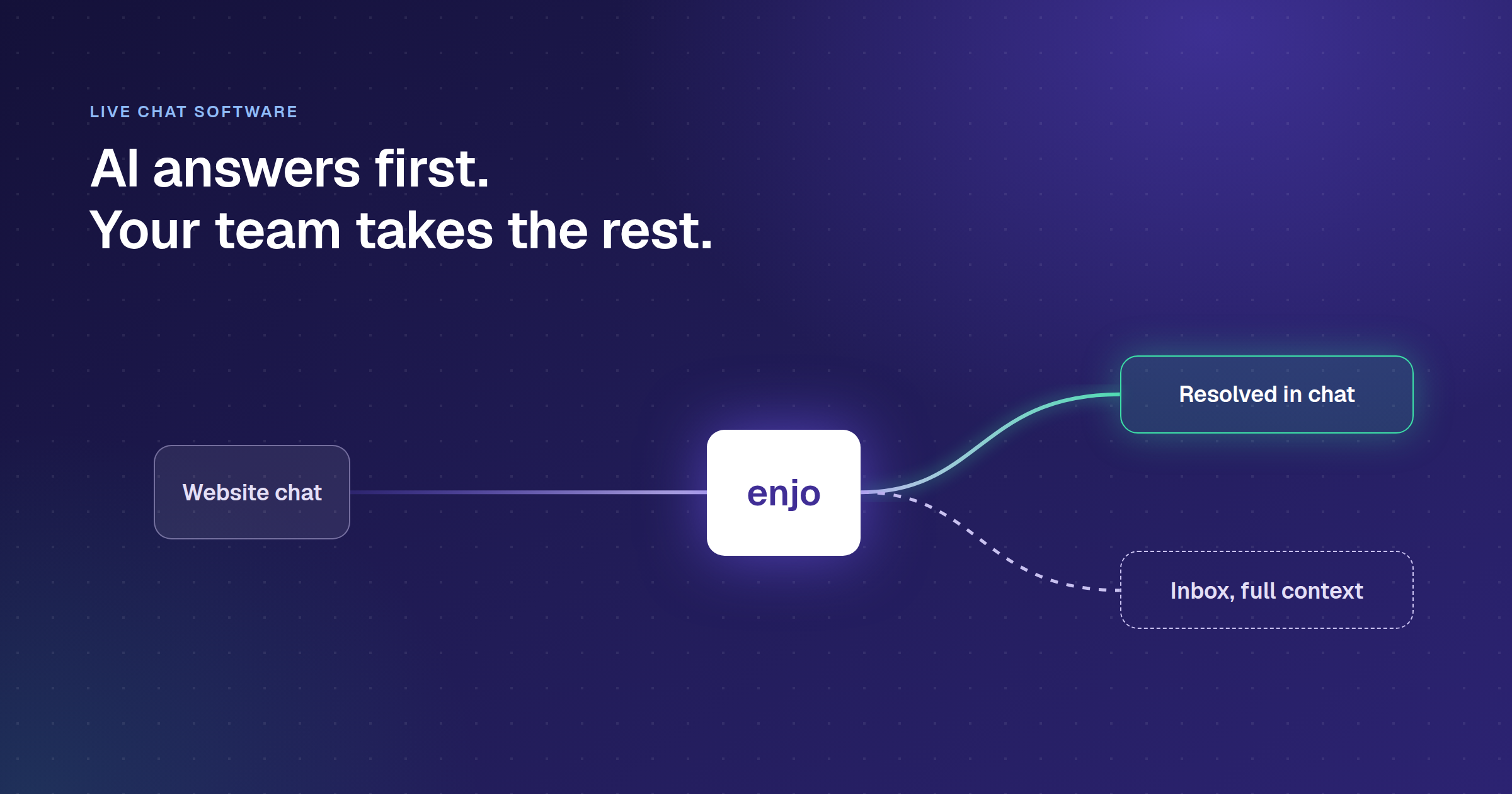
Reads knowledge across your whole stack and resolves before a ticket is created, with unlimited human seats on every plan.
Free; then per AI reply
Zendesk
Enterprise ticketing depth, SLA routing, and a large app marketplace you may already run.
$19/agent/mo
Fin (formerly Intercom)
High-volume messaging support, if $0.99 per outcome stays predictable at your volume.
$0.99 per outcome
Help Scout
Email-first teams that want a clean shared inbox and fast adoption over feature breadth.
$25/user/mo
See Enjo resolve real requests on your stack, free, no credit card.
Start free at enjo.ai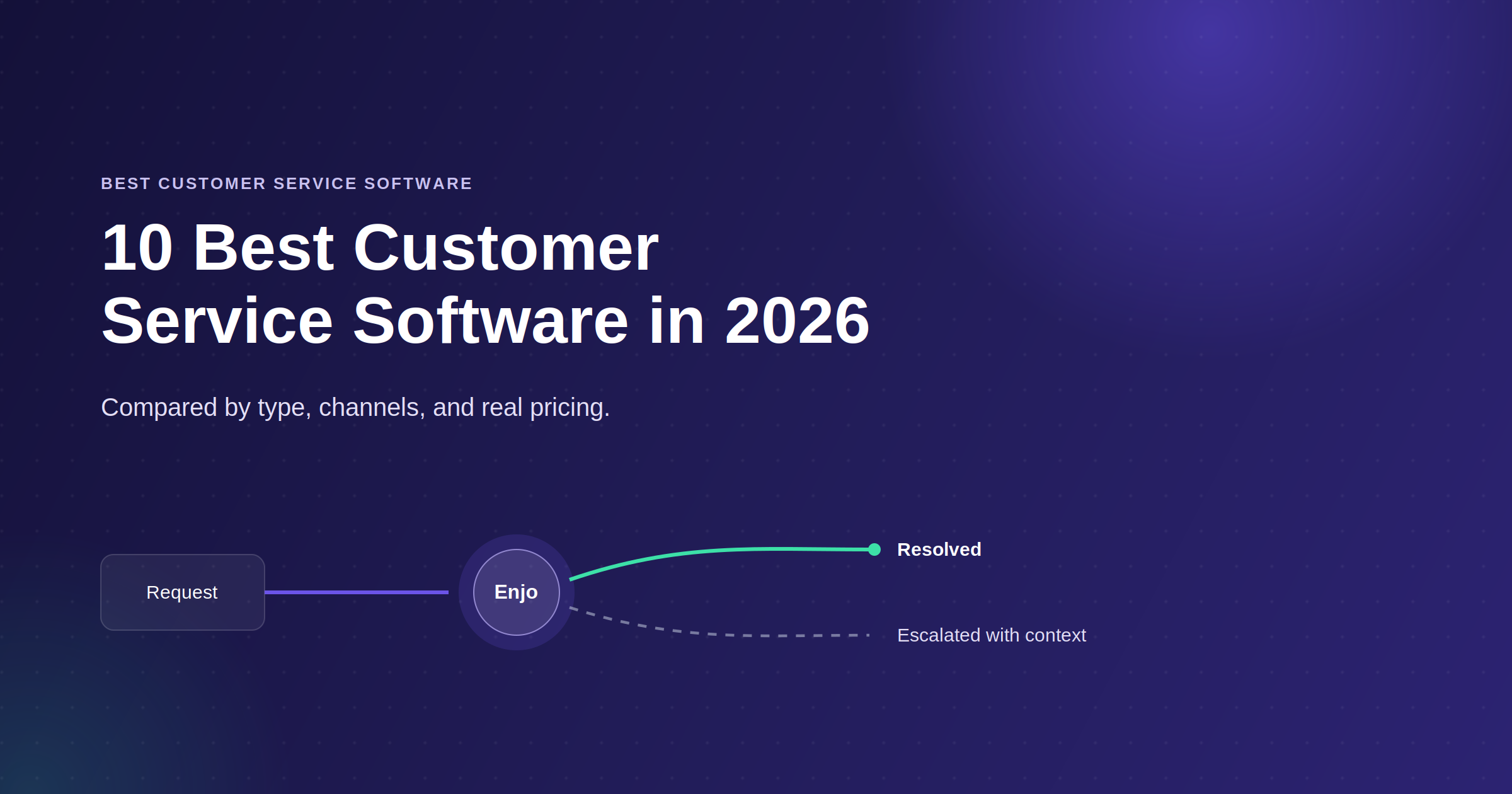
The Main Types of Customer Service Software
Most teams need two or three of these, not all of them, and knowing which sub-category you are shopping for narrows the market fast. Help desk and ticketing software turns incoming requests into a tracked queue with assignment, SLAs, and reporting, and is the backbone of most support operations (see the best help desk software). Live chat and messaging software handles real-time conversations on your website and in messaging apps, covered in our roundup of the best live chat software. AI agents and automation software resolves requests without a human by reading the question, pulling from connected knowledge, and acting in other systems, which we rank in the best customer service automation software.
Knowledge base and self-service software gives requesters a portal that answers common questions and, in the better systems, stays current from resolved conversations (compare the best knowledge base software). Omnichannel and shared-inbox platforms pull email, chat, messaging, and social into one workspace so a requester's history stays intact across channels (see omnichannel customer service software). And free and small-team options let a lean team run real support without a per-seat contract, covered in our roundup of the best free customer service software.
Core Features of Customer Service Software
Feature lists read the same across vendors. The useful question for each feature is what to check before you sign.
- Ticketing and routing. Every request gets an owner, a status and an SLA timer. Check how routing rules are built and whether SLA risk alerts fire before the breach.
- Channels. Email, website chat, messaging apps, Slack, Microsoft Teams, phone and social. Check which channels the plan you are pricing includes and which are add-ons.
- AI agent. Resolves requests without a human. Check whether it takes write actions in other systems, such as unlocking an account or updating an order, or only answers questions.
- Knowledge base and self-service. A requester-facing help center plus the internal knowledge the AI grounds on. Check which sources the AI can read and how articles stay current.
- Escalation and agent assist. Check that the human receives the full conversation, account context and suggested next steps, not a transcript to reread.
- Automation and workflows. Triage, tagging, approvals and follow-ups. Check who can build them without an admin.
- Reporting. Resolution rate, response time, CSAT and AI outcomes. Check whether AI and human performance sit side by side.
- Security and governance. SOC 2 Type II, ISO 27001, GDPR, audit logs and guardrails on AI output. Check which controls are on the plan you are pricing.
Enjo Platform runs all of these on one knowledge layer: Enjo resolves first, Inbox handles escalations with SLAs and routing, Help Center serves requesters, Insights reports AI and human accuracy side by side, and Guardrails and the audit trail govern every answer.
How We Evaluated the Best Customer Service Software

Every platform below was assessed on six dimensions. These are the criteria that determine whether a tool actually works in production, not just in a demo.
- AI depth. Does the platform resolve requests autonomously end-to-end, or does it only assist human agents? We have distinguished between full autonomous resolution, agent assist, and basic automation.
- Stack fit. Which systems the AI can read from and act in during a conversation, and what changes for your team on day one. A platform that needs months of configuration before the first resolved request carries a cost the pricing page does not show.
- Knowledge portability. Does the AI read knowledge only from the vendor's own knowledge base, or can it index Confluence, SharePoint, Google Drive, past tickets in other systems, and the open web? This determines how much rework you face if you ever switch help desks. The same question decides the documentation layer, which is why choosing help center software on freshness rather than features matters more than the feature checklist.
- Pricing model. Per-seat, per-resolution, per-AI-reply, and ticket-volume models produce very different bills at scale. We show the starting price and flag where costs compound. Most customer support software hides the real cost until renewal.
- Deployment speed. Weeks to production, not months, matter when your team is being held to an AI ROI deadline by leadership. For a practical look at how teams approach customer service automation, see our full guide.
- Security and compliance. SOC 2 Type II, ISO 27001, and GDPR are baseline requirements for enterprise security reviews. We note where platforms meet them.
The 10 Best Customer Service Software in 2026
| Tool | G2 Rating | Best For | Free Tier and True Pricing |
|---|---|---|---|
| Enjo Our pick | 4.8/5 | Teams wanting AI across their whole stack | Free: 200 AI replies/mo. Paid from $95/mo |
| Zendesk | 4.3/5 | Enterprise ticketing and SLA routing | No free plan. From $19/agent/mo |
| Freshdesk | 4.4/5 | Small and mid-market multichannel teams | No free plan. 6-month free program |
| Fin (formerly Intercom) | 4.5/5 | High-volume messaging support | No free plan. $0.99 per outcome |
| Salesforce Service Cloud | 4.4/5 | Teams standardized on Salesforce | No free plan. From $25/user/mo |
| Help Scout | 4.4/5 | Email-first teams wanting a shared inbox | Free for 5 users. From $25/user/mo |
| Front | 4.6/5 | Shared inbox for high-volume email | No free plan. From $25/seat/mo |
| Zoho Desk | 4.4/5 | Teams on the Zoho ecosystem | Free for 3 agents. Paid plans per agent |
| Gorgias | 4.6/5 | Shopify ecommerce support | No free plan. From $10/mo |
| Tidio | 4.6/5 | Small teams and online stores | Free plan. From $24.17/mo |
List rates from each vendor's own pricing page, checked 13 October 2026, before AI usage charges. G2 ratings read the same day. Visit each vendor's site directly to verify.
1. Enjo
Enjo Platform is an agent-first customer service software: the AI Support Agent resolves the first line of requests end to end, and Inbox, Help Center, and Insights handle the exceptions, all on one knowledge layer so what the AI says, what agents see, and what requesters find stay in sync.
How it goes to market. Offered on a usage-based plan priced per AI reply, with a permanent free tier and unlimited human agent seats, to teams that want AI resolution across their whole stack rather than inside one helpdesk.
Key capabilities:
- Enjo resolves requests end to end in Slack, Microsoft Teams, website chat and the Help Center portal, grounded in your connected knowledge, and learns continuously from how your team responds.
- End-to-end resolution: through AI Actions and AI Flows the agent looks up and updates records, unlocks accounts, and creates tickets during the conversation, with explicit fallbacks when it is not confident.
- Escalation with context: hands off to Inbox with the full conversation, the account context, and suggested next steps, so the human starts where the agent left off.
- Grounded answers: every response is grounded in your knowledge with a citation, governed by Guardrails and a full audit trail.
- Channels: resolves in Slack, Microsoft Teams, website chat, and the Help Center portal, with Slack Connect for shared channels.
- Unlimited human agent seats on every plan, including Free, so cost scales with AI usage rather than headcount.
- Help Center generates articles from connected docs, Confluence, Google Drive, SharePoint, and runs a self-improving loop: unanswered requester questions escalate to the team, and resolved conversations auto-draft new articles for review.
That capability set works in production at enterprise scale. Aptean, an enterprise ERP provider supporting 80+ products and 15,000+ customers, brought its initial cohort live in a single day, unified 5M+ documents across its sources, and now resolves 300K+ cases a year with Enjo AI, 37% of them fully by AI: volume equivalent to 120 agents handled by AI. Enjo is SOC 2 Type II compliant, ISO 27001 certified, and GDPR compliant. Built by Troopr Labs, with 600+ enterprise deployments and 99.9% uptime over 7 years.
Pricing: Free at $0 (200 AI replies, unlimited human seats, no credit card); Starter $95 a month (1,000 replies); Standard $295 a month (3,000 replies); Enterprise custom. Priced per AI reply. Start free at enjo.ai/pricing.
Enjo's scope. Enjo Platform is built agent-first. The AI Support Agent is configured before any queue exists, and Inbox is the helpdesk for escalations and human collaboration rather than the primary work surface. Teams that want a ticket queue first with AI attached later are describing the legacy model, which is the point rather than a limit.

2. Zendesk
Zendesk is an omnichannel support suite with ticketing, a knowledge base, and native AI, restructured around AI agents since it acquired Forethought in March 2026.
How it goes to market. Sold as a suite on per-agent billing, with AI resolutions and some builders metered on usage beyond plan allowances, to teams that want one vendor and a large app marketplace.
Key capabilities:
- Omnichannel ticketing across email, chat, voice, and social with custom workflows and SLAs.
- Native AI agents and a knowledge base, with Forethought AI agents that also run on other platforms.
- Marketplace of roughly 1,800 apps and integrations.
- Copilot agent assist on higher tiers.
Honest limitation. Native Zendesk AI grounds mainly on Zendesk's own knowledge base, so reaching Confluence or SharePoint means the Forethought layer or an overlay, and AI resolutions bill on usage past the plan allowance. Related: Enjo for Zendesk, and our comparison of Zendesk alternatives on price and AI depth across eight tools.
Note: Zendesk announced its acquisition of Forethought AI on 11 March 2026 and closed it on 26 March 2026; terms were not disclosed. Forethought continues under the label "Forethought AI Agents by Zendesk" and remains available to non-Zendesk customers for now. Teams currently using or evaluating Forethought should factor this into their vendor assessment.
Pricing: Support Team $19/agent/month, Suite Team $55/agent/month, Suite Professional $115/agent/month, Suite Enterprise + Copilot contact sales (all annual). Copilot add-on $50/agent/month. Workforce Engagement Bundle $50/agent/month. Contact Center add-on $83/agent/month. AI agent automated resolutions $2.00 each, pay as you go. Visit zendesk.com/pricing directly to verify current rates.
3. Freshdesk
Freshdesk is Freshworks' help desk, positioned as the user-friendly, lower-cost alternative to heavier suites, with Freddy AI for automation and assist.
How it goes to market. Sold as a single-vendor suite on per-agent pricing, with Freddy AI as an add-on and session-based agent billing, to small and mid-market teams already in the Freshworks ecosystem.
Key capabilities:
- Freddy AI agent resolves standard email and chat requests from Freshdesk knowledge.
- Copilot reply suggestions and summaries on Pro and above.
- Marketplace of industry apps and multilingual support.
- Free program for up to 2 agents for six months, then a paid plan.
Honest limitation. Freddy reads Freshworks data, so cross-system knowledge hits a ceiling, and AI Agent sessions beyond the 500 included on each plan bill at $49 per 100.
Pricing. Growth $19, Pro $55 and Enterprise $89 per agent a month, billed annually. Every plan includes 500 Freddy AI Agent sessions; extra sessions are $49 per 100, and Copilot is $29 per agent a month on Pro and Enterprise. Visit freshworks.com directly to verify current rates.
If the free tier is your starting point, this breakdown of the best free customer service software in 2026 covers which free tiers are genuinely usable versus which are effectively trial-only. If you are moving off Freshdesk specifically, our comparison of Freshdesk alternatives covers thirteen options including self-hosted ones.
4. Fin (formerly Intercom)
Fin, formerly Intercom, is an AI-first customer service platform whose Fin agent resolves messaging requests and runs standalone on other helpdesks. Salesforce completed its acquisition of Fin on 10 September 2026.
How it goes to market. Sold per outcome (Fin) plus per-seat plans, standalone or layered on Zendesk, Salesforce, HubSpot, and Freshworks, to high-volume messaging and consumer teams.
Key capabilities:
- Fin AI agent resolves across chat, email, and messaging, billed per outcome.
- Procedures define multi-step policies in plain language.
- Copilot agent assist during live conversations.
- Standalone deployment on non-Intercom helpdesks.
Honest limitation. Per-outcome pricing is hard to forecast before you know your resolution rate, and Slack Connect shared channels, approval workflows, and cross-system actions are thinner than on platforms built around them. Teams weighing the two incumbents directly can read our Intercom vs Zendesk breakdown, which prices both at 20 seats and 1,000 AI resolutions a month.
Pricing. $0.99 per outcome (resolutions, handoffs and routings), with a 50-outcome monthly minimum on a non-Intercom helpdesk; seats $29 (Essential), $85 (Advanced) and $132 (Expert) a month. Visit fin.ai directly to verify current rates.
5. Salesforce Service Cloud (Agentforce)
Service Cloud is Salesforce's enterprise service platform, with Einstein and Agentforce AI acting on native Service Cloud data. Salesforce also completed its acquisition of Fin on 10 September 2026.
How it goes to market. Sold on per-conversation or per-user pricing inside the Salesforce estate, with Data Cloud as a prerequisite for full AI, to large enterprises standardizing on Salesforce.
Key capabilities:
- Agentforce resolves routine cases autonomously on Service Cloud data.
- Einstein AI for case classification, routing, and reply suggestions.
- Omnichannel routing with skills-based assignment.
- Deep CRM context from the Salesforce record.
Honest limitation. The AI reads Salesforce data and acts on Salesforce objects, so knowledge outside Service Cloud needs extra tooling, and Data Cloud plus enterprise tiers make total cost hard to forecast. Related: Enjo for Salesforce.
Pricing. Starter Suite $25, Pro Suite $100, Core $195, Advanced $395 and Max $550 per user a month (Max was Agentforce 1 Service until September 2026); Data Cloud is sold separately below Max. No free plan; a 30-day trial is available. Visit salesforce.com directly to verify current rates.
6. Help Scout
Help Scout is an email-first shared inbox with a built-in knowledge base, built around treating customers as people rather than tickets.
How it goes to market. Sold per user with AI charged separately, to smaller teams that want one polished vendor for inbox, knowledge base, and reporting.
Key capabilities:
- Shared inbox with collision detection and customer profiles.
- Knowledge base with in-conversation article suggestions.
- Live chat widget and AI draft replies and summaries.
- Simple, email-style interface with a short learning curve.
Honest limitation. Phone support and advanced automation are thinner than on full suites, and knowledge base customization is basic.
Pricing. Free plan for 5 users, 1 inbox and 100 contacts a month; Standard from $25 per user a month, Plus $45. AI Answers bills $0.75 per resolution. Visit helpscout.com directly to verify current rates.
7. Front
Front turns team email into a collaborative workspace where customer conversations are shared, assigned, and tracked.
How it goes to market. Sold per seat, to teams that manage high-volume shared inboxes and need routing, SLAs, and collaboration without a full helpdesk migration.
Key capabilities:
- Shared inbox with assignment rules and real-time collaboration.
- Workflow automation for routing and escalation.
- Internal comments and mentions on any conversation.
- Analytics on team performance and satisfaction.
Honest limitation. Traditional help desk features such as a knowledge base are limited, and per-seat cost climbs for larger teams.
Pricing. Starter from $25 per seat a month, Professional higher. Visit front.com directly to verify current rates.
8. Zoho Desk
Zoho Desk is a help desk built for teams in the Zoho ecosystem, with Zia AI for tagging, sentiment, and reply suggestions.
How it goes to market. Sold per agent with a free tier for up to three agents, to mid-market teams already using Zoho CRM or Zoho One.
Key capabilities:
- Zia AI for tagging, sentiment detection, and reply suggestions.
- Blueprint workflow builder with approval gates.
- Multichannel support across email, chat, phone, and social.
- Deep Zoho integration across the suite.
Honest limitation. AI knowledge is limited to Zoho Desk content, and integrations with Salesforce, Jira, or ServiceNow are thin compared to platforms built for those stacks.
Pricing. Free for up to 3 agents; paid plans are priced per agent. Visit zoho.com directly to verify current rates. For teams whose volume is mostly inbound mail, our comparison of email ticketing systems ranks eleven options on routing and SLA handling.
9. Gorgias
Gorgias is an ecommerce-focused help desk that connects support conversations to order and revenue data.
How it goes to market. Sold on monthly tiers that scale with ticket volume, to online retailers on Shopify and similar platforms.
Key capabilities:
- Order-aware inbox with shipping and revenue context in the conversation.
- Automation rules for common ecommerce scenarios.
- Social and chat management alongside email.
- Revenue tracking on support interactions.
Honest limitation. Usefulness outside ecommerce is limited, and pricing scales with ticket volume, which can climb at peak.
Pricing. From $10 a month at the entry tier, rising with volume. Visit gorgias.com directly to verify current rates.
10. Tidio
Tidio combines live chat, chatbots, and its Lyro AI into an affordable package for small teams and online stores.
How it goes to market. Sold on monthly plans with a free tier and a live-conversation test, to small businesses whose Tier 1 is mostly FAQ-style questions.
Key capabilities:
- Lyro AI answers help center and FAQ questions on chat.
- No-code chatbot builder with a drag-and-drop interface.
- Live chat widget with visitor tracking.
- Free conversations to test resolution before paying.
Honest limitation. Lyro cannot take cross-system actions, so the ceiling is grounded question answering, and there is a steep gap between the mid and top tiers.
Pricing. Free tier available; Starter from $24.17 a month, with a Lyro add-on from $32.50 a month. Visit tidio.com directly to verify current rates.
How to Run the Evaluation on Your Own Stack

Instead of taking any list's word for it, put three checks to every tool on your shortlist, run on your own systems rather than in a demo.
- Ask for the write actions, not the read actions. Reading a ticket is not resolving a request; ask which records the tool can update and who authorizes it.
- Ask where your knowledge lives and whether the tool reads all of it. Answer quality is capped at whatever sits inside the systems it can reach.
- Ask to see one escalation land in your workflow carrying the full conversation, the account context, and suggested next steps, in the queue your team actually works.
Enjo Platform answers all three on the stack you already run, which is the test worth applying to every option above.
How to Choose Customer Service Software for Your Team
Most shortlists fall into one of five operating profiles. The profile tells you which of the six criteria above carries the most weight, and what to test first.
Customer data and case history live in a CRM. Weight stack fit and pricing model. Ask whether the AI reads the CRM record during resolution or only after a sync, and price AI usage apart from seats: Salesforce's top Service Cloud tier, Max, lists at $550 per user a month before consumption.
Knowledge is spread across Confluence, Google Drive and SharePoint. Weight knowledge portability. Connect two real sources in a free plan or trial and ask ten past questions; answer quality is capped at what the AI can reach. Enjo indexes Confluence, Google Drive, SharePoint, Notion, Guru and past tickets into one knowledge layer, and the free plan is enough to run the test. Shortlisting by company stage instead? Our breakdown of saas customer support software compares twelve tools at seed, Series B and 300-plus headcount.
Most requests are about orders on a storefront. Weight AI depth on write actions. Check whether the AI can look up and change an order rather than quote a policy, and model cost at peak season, because volume-tiered plans climb with ticket count. If most of that volume starts on your site, our guide to an ai chatbot for website covers the setup.
A small team expects to grow. Weight pricing model. Count seats today and in 18 months: per-seat plans grow with headcount, while Enjo includes unlimited human agent seats on every plan, including Free.
Requests arrive in Slack or Microsoft Teams. Weight channels. Check whether the AI resolves inside the thread or sends requesters to a portal. Enjo resolves in Slack, Microsoft Teams and Slack Connect shared channels, and escalates to Inbox with the full conversation, account context and suggested next steps. Weighing alternatives to a current vendor? Our roundup of Intercom alternatives compares ten options.
Channel breadth is where most platforms charge extra; our ranking of omnichannel customer service software separates what is included from what is an add-on.
Customer Service Software vs CRM
A CRM records who the customer is: contacts, accounts, deals and revenue. Customer service software handles what they need resolved right now: the request, its owner, its SLA and its answer. Salesforce Service Cloud runs service on the CRM data model; most other tools on this list sync customer data in from the CRM you already run. In Enjo, Customer Context carries account attributes and history into every answer and escalation, so the human sees who the requester is without switching tools.
The Bottom Line
Most of the customer service software on this list is strong within its lane. Zendesk is built for enterprise ticketing depth, Fin for high-volume messaging, Gorgias for Shopify e-commerce, and Help Scout for small teams that want simplicity. They are all competing on the same definition of great customer service, and they all share one gap: AI that reads only the vendor's own knowledge and acts only on the vendor's own objects. Where the choice comes down to two enterprise suites, the Zendesk vs Salesforce Service Cloud comparison breaks down the pricing layers and how far each one's AI reaches.
Enjo closes that gap. It reads knowledge across Confluence, SharePoint, Google Drive and past tickets, resolves on one knowledge layer that also powers Inbox and Help Center, and escalates with the full conversation, account context and suggested next steps. If your shortlist is about automation depth rather than platform breadth, start with our ranking of customer service automation software, which compares all ten tools on knowledge portability and what each can do inside a connected system. If it is specifically about autonomous resolution, our ranking of ai customer service agents applies the same test to ten agent platforms.
Frequently Asked Questions
What is customer service software?
Customer service software is the platform a support team uses to receive, manage, and resolve requests across channels like email, website chat, and messaging. It centralizes conversations, applies routing and automation, and tracks resolution and satisfaction. Modern systems also resolve routine requests with AI and escalate the rest with full context. The line against a customer service ticketing system is thinner. Ticketing is the record layer, IDs, routing, SLA timers, resolution status. A platform wraps channels and an AI layer around that record. Most vendors here sell both under one name, so compare on what the AI can actually reach rather than the label.
What software is used for customer service?
Most teams run two or three types together: a help desk for ticketing, a live chat or messaging tool, a knowledge base, and increasingly an AI agent that resolves routine requests first. Enjo Platform combines the AI agent, Inbox, Help Center and Insights on one knowledge layer, free to start.
What are the main types of customer service software?
The main types are help desk and ticketing software, live chat and messaging software, AI agents and automation software, knowledge base and self-service software, and omnichannel platforms that combine them. Most teams need two or three rather than all. If you are shopping the AI layer specifically, compare the ai customer service agents built for resolution.
Is customer support software the same as customer service software?
Yes. Vendors and buyers use the two terms for the same category. Compare tools on what the AI can reach and what each plan costs at your volume, not on the label.
How much does customer service software cost?
Pricing depends more on the model than the sticker price. Per-seat platforms typically start around $15 to $25 per agent a month and grow with headcount; per-outcome AI (for example Fin at $0.99 per outcome) grows with volume; usage-based plans price per AI reply. Model the cost at your peak volume and confirm each figure on the vendor's own pricing page.
What is the difference between customer service software and a CRM?
Customer service software manages the live queue of requests and resolves them, while a CRM stores the customer relationship and sales data behind those requests. A CRM tells you who the customer is; customer service software handles what they need fixed right now. Many teams run both and connect them.
What is the best free customer service software?
The best free option depends on whether you need a genuine free plan or just a trial. Enjo includes a permanent free plan with 200 AI replies a month and unlimited human agent seats; several suites offer capped free tiers. Compare the plans that stay free in our guide to free customer service software.