Free customer service software your team will actually use

Enjo gives you a shared help desk, self-serve knowledge base, and AI that resolves tickets - all free, with unlimited agent seats. Set up in minutes, not weeks.
No credit card. No seat limits. Live in under 15 minutes.

Why is Enjo free?

Most customer service tools charge per agent seat. That forces growing teams to choose between adding people or paying more.

Enjo separates the cost of the platform from the cost of AI. Your help desk and knowledge base are free forever with unlimited seats. You only pay when you want additional AI resolution capacity beyond what's included.

Free forever

Inbox and Help Center with unlimited seats, no time limit, no credit card.

AI included

Every free account gets monthly AI credits to automate real tickets from day one.

Pay only for more AI

When you're ready to scale automation, upgrade. Until then, it costs you nothing.

Live in 15 minutes

Start for Free
1

Connect

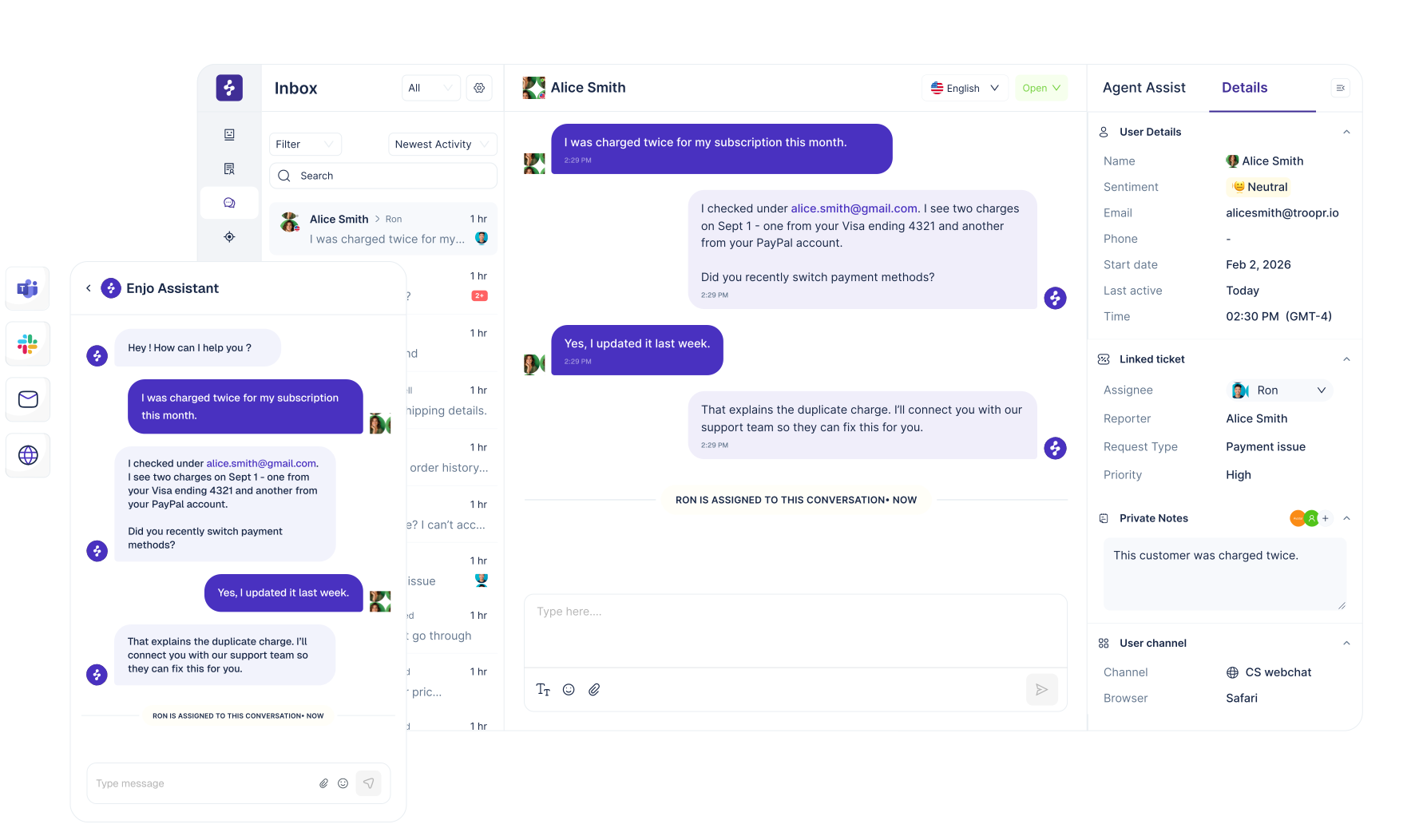
Plug in your Email, Slack, Teams, or Webchat. Conversations flow into one shared inbox automatically.
2

Publish your knowledge base

Connect your existing docs. Enjo Help Center goes live instantly - customers get AI-powered answers without you writing a single article.
3

Let AI handle the rest

Enjo AI Agent starts resolving repetitive tickets using your knowledge and workflows. Your team handles exceptions with full context.
Security and governance

Autonomous support,
under your control.
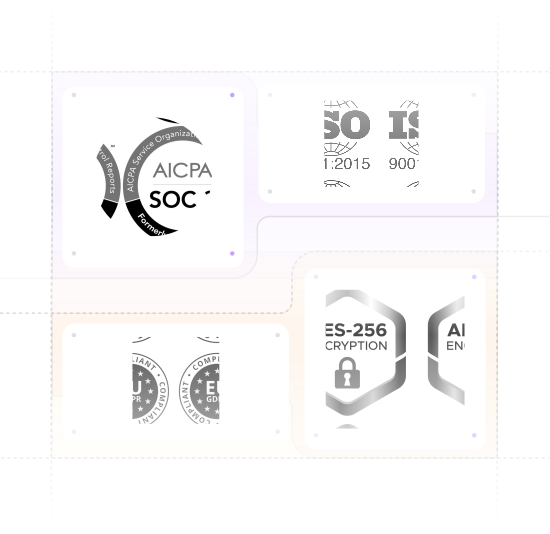
SOC 2 Type II and ISO 27001 certified, GDPR compliant
TLS 1.2+ in transit, AES-256 at rest, keys via AWS KMS
Guardrails on inputs and outputs, plus full audit logs
Regular scans, penetration tests, tested backups, incident response plan
99.9% uptime over 7 years, at enterprise scale
600+ enterprise deployments. Founded 2019, profitable since inception.
horizontal-da…ne-vector

Frequently asked questions

If you have further questions, simply request a demo from our team, and we'll respond promptly.
Start for Free
Is the free plan actually free forever?

Yes. Enjo Inbox and Help Center are free with unlimited agent seats, no time limit, and no credit card required. You only pay if you choose to add more AI capacity.

How long does setup take?

Most teams are live in under 15 minutes. Connect a channel, and Enjo starts working on real conversations immediately.

Do I need technical skills to get started?

No. Enjo is designed so support teams can set up and manage it themselves — no developer or IT involvement required.

What happens when I outgrow the free plan?

You upgrade when you're ready. Paid plans add more AI resolution credits, advanced workflows, and analytics. There's no pressure and no automatic billing.

Is my data secure?

Enjo is SOC 2 Type II compliant with enterprise-grade encryption and access controls. Your data is protected by the same standards used by Netflix, Snowflake, and Spotify.

Can Enjo work with our existing tools?

Yes. Enjo integrates with Slack, Microsoft Teams, Salesforce, Jira, ServiceNow, and more. It fits into the tools your team already uses.

What if I need help getting started?

Book a free demo and the Enjo product team will walk you through setup, answer questions, and help you see value fast.

AI customer service software

Put your whole team in one help desk. The AI clears the first line before they log in.

Enjo Platform gives you a shared Inbox, a branded Help Center and Insights, with Enjo, the AI support agent, resolving the first line end to end instead of routing it.

200 AI replies a month. Unlimited agent seats. No credit card. No expiry date.

Free help desk software usually means source code and a server. This one is already running.

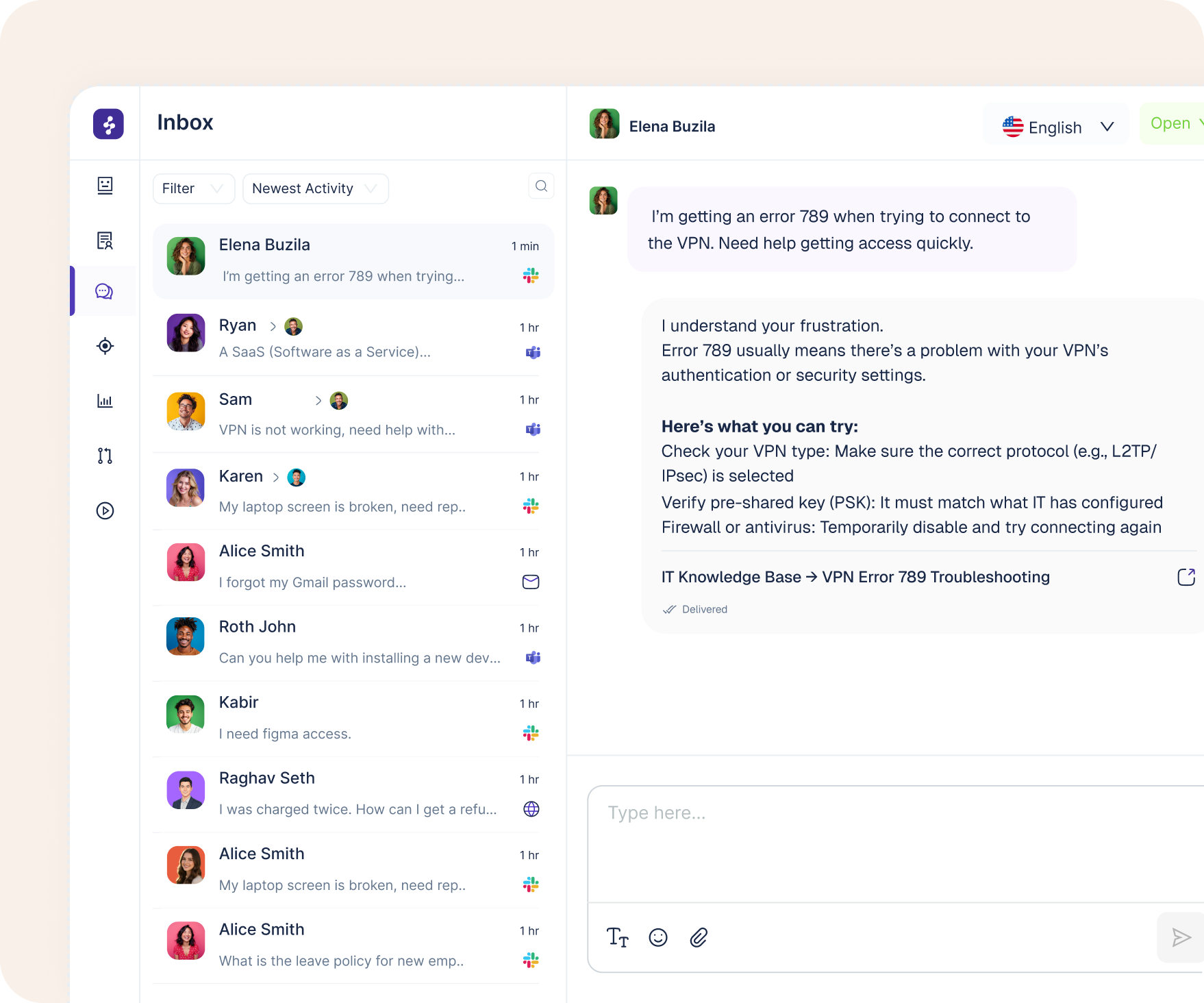
Inbox

The shared queue your team works in, filterable by whether the AI answered or was unsure, with SLA timers that alert you before a target is missed rather than after.

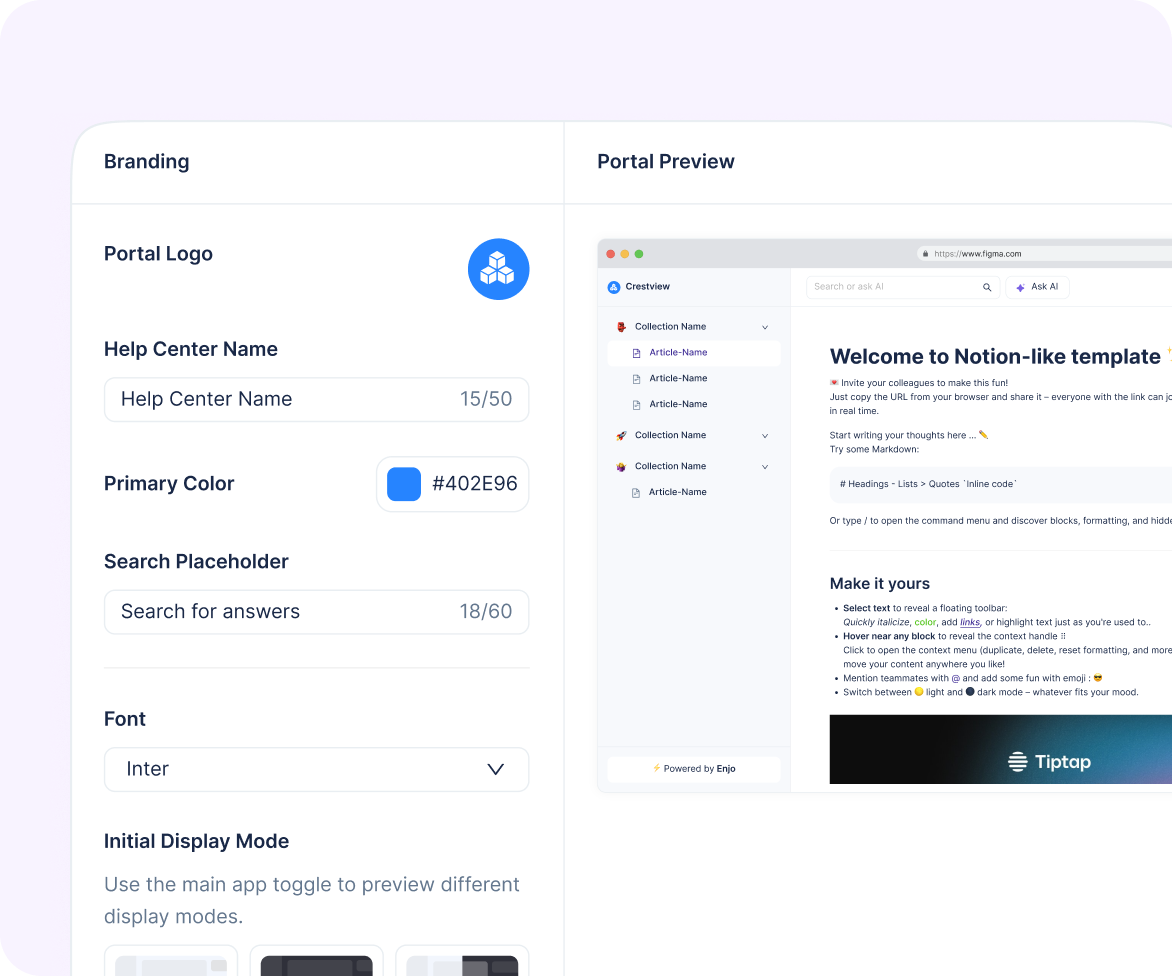
Help Center

Your own branded portal on your own domain, with per-article meta titles and editable slugs so it is yours to rank, and AI Search that answers readers with its sources instead of a list of links.

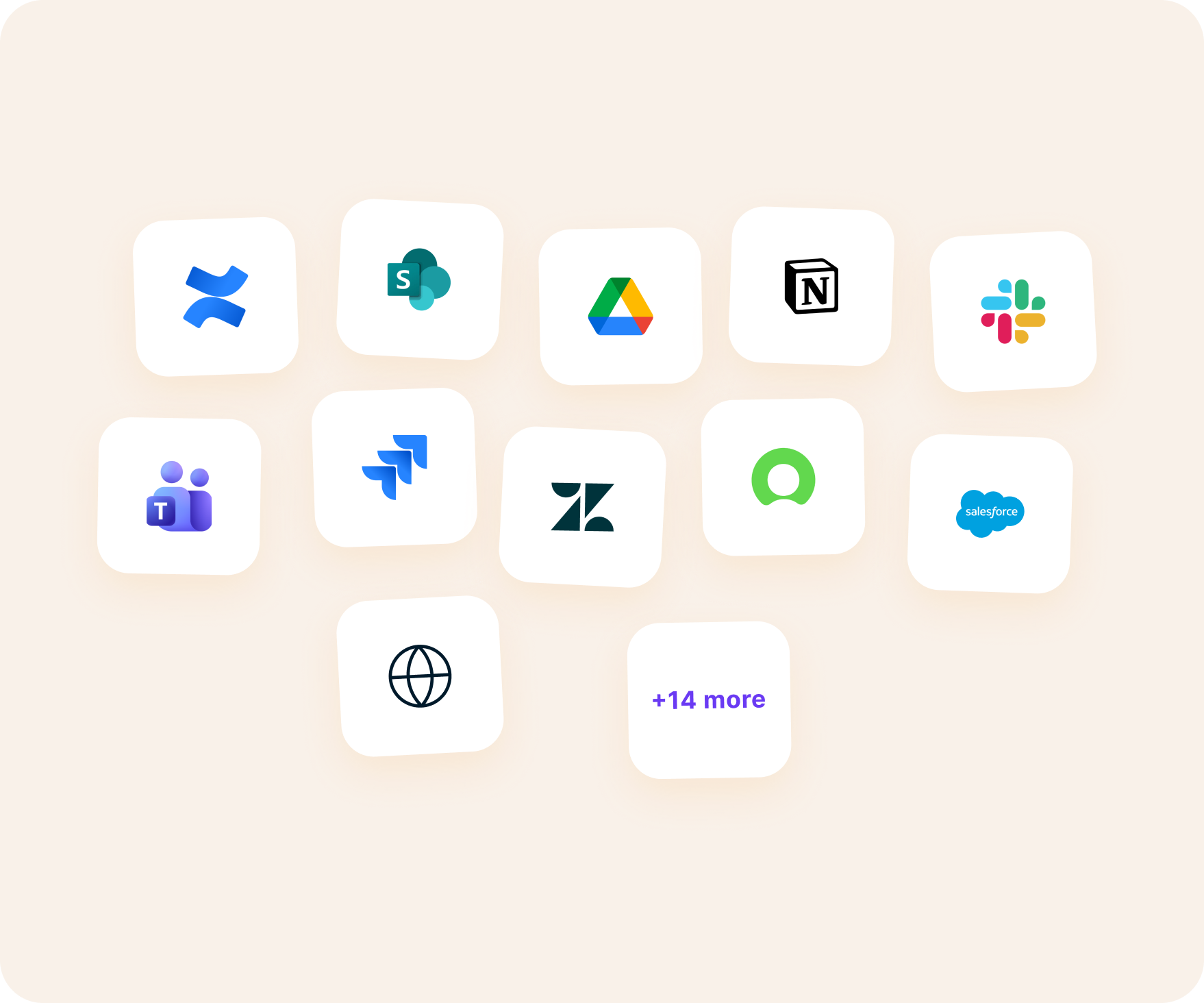
Knowledge Center

Point Enjo at what you already have: Confluence, SharePoint, Google Drive, Notion, Zendesk, Salesforce, Jira and fourteen more, or crawl a website, including pages behind an SSO login.

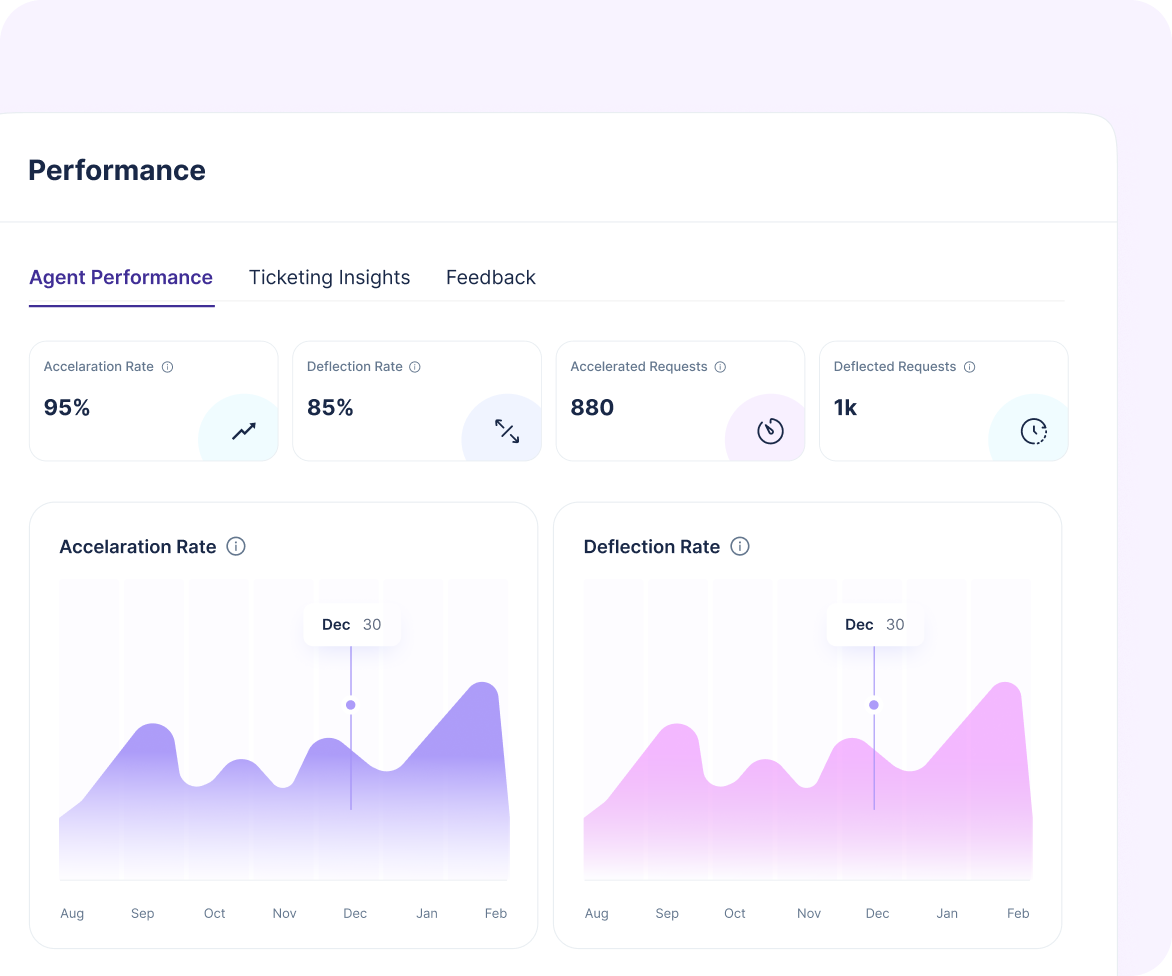
Insights

Deflection, the share resolved with no human involved, reported separately from acceleration, the share the AI only sped up.

Most support requests are not questions. They are jobs.

A customer asking where their order is does not want an article about order tracking. They want the tracking number. An AI that only writes sentences hands every one of those to a human, and your queue does not move.

The job itself is an AI Action

An API call, custom code, an MCP tool, or a ticketing operation. Pre-built action sets ship for Salesforce, Zendesk, ServiceNow and Freshservice, so the agent updates the case rather than only reading about it, and AI Flows chains actions for work that takes more than one move.

Grounded, and it asks when unsure

Every answer carries an inline citation to its source, and when a request is ambiguous Enjo asks instead of guessing.

This works because of build order

Most products configure a ticket queue first and attach an AI feature to the side of it. In Enjo you configure the agent first, and the queue exists for what the agent hands over.

Free is a plan here, not a trial

Here is exactly what free means, in full.

When the 200 replies are used, requests route to your human agents and nothing is dropped, because those seats are unlimited. Most free plans in this category cap how many people can work in them. This one caps how often the AI replies.

Free

$0

Per month
Unlimited Seats
200 AI replies included

Starter

$95

Per month
Unlimited Seats
1000 AI replies included

Standard

$295

Per month
Unlimited Seats
3000 AI replies included

Additional replies are $0.05 each on Starter and Standard. Human agent seats are unlimited on every published plan. Your bill moves when AI volume moves, not when you hire.

For a 10-person team at 3,000 conversations a month, incumbents charge per seat for all 10 agents and then again per AI resolution. Enjo charges once, for AI usage. A tenth of the cost of leading incumbent platforms.
Start for Free
Grounded and governed

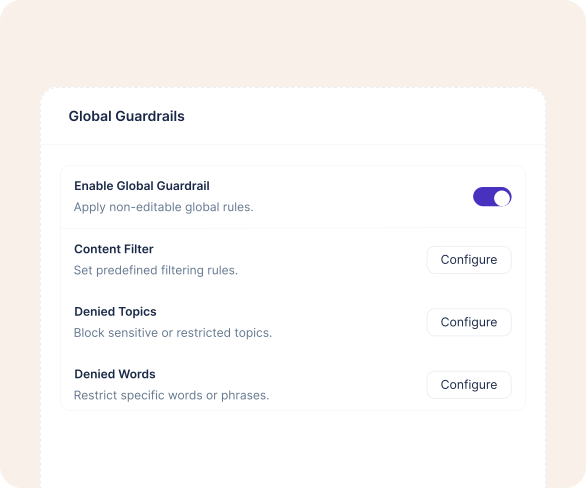
Guardrails here are three controls you configure and test.

Set Denied Topics, Denied Words, and a Content Filter across six categories, workspace-wide or per agent. Each has its own test screen, so you confirm the policy holds before it reaches a customer. Playground tests prompts before deployment and Bulk Testing scores a batch of your own real questions at scale.

Denied Topics: Name each blocked topic with a description, then run its test screen.
Denied Words: Set the words the agent will never use, workspace-wide or per agent
Content Filter: Six categories, each with a threshold you set and confirm before launch.
After launch: The Audit Log records every user and system action with full export, and PII is redacted and masked. SOC 2 Type II, ISO 27001 and GDPR compliant.

Your team does not have to move, and neither do your customers.

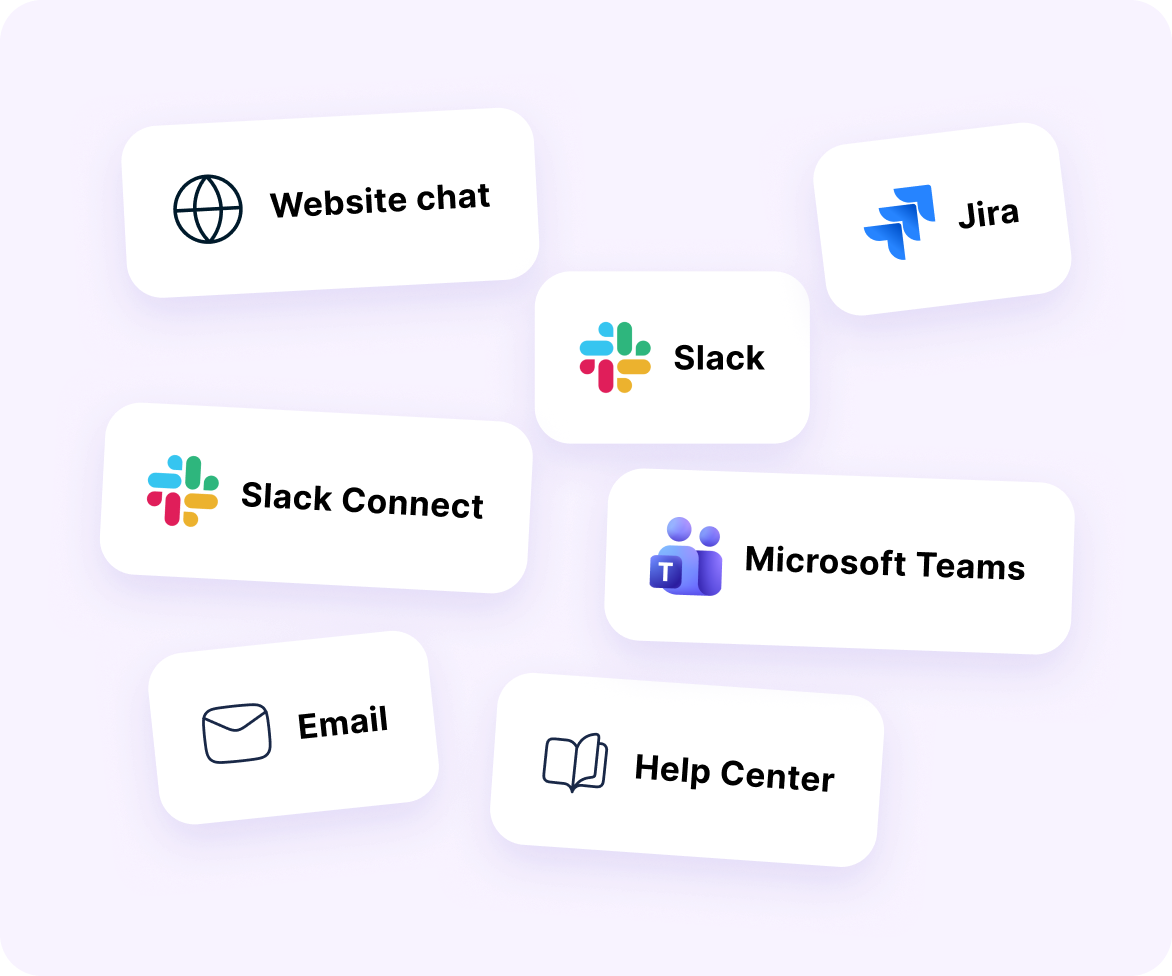
Deploy Enjo to your website chat widget, your Help Center portal, Slack, Microsoft Teams, Slack Connect channels shared with your customers, email, or Jira.

In Slack and Teams the workflow moves into chat too.

Approvals

Runs an approval and syncs the decision back to your ticketing system.

Emoji Actions

Files a ticket from a reaction, without leaving the conversation.

Swarm Rooms

Opens a dedicated channel for one ticket so several people resolve it together.

Success Stories

Real-world customer stories

1M+

requests handled by AI

Live in a single day. 2M+ documents unified into one knowledge source, cutting information retrieval time by over 80%.

Learn More

63%

autonomous resolution

45% faster resolution and a 60% satisfaction improvement, with Enjo handling frontline requests at a 2,500-person company.

Learn More

450 hrs

saved every month
Approval workflows automated end to end, response times down from days to minutes, and 80% of people now self-serving.
Learn More
Time to live

Aptean went live with its first cohort in a single day.

Amber Group reached full production in five weeks with zero missed requests from day one. Nothing gates the start: connect a knowledge source, build the agent, test it, deploy it. Help Center generates its articles from a website URL, your connected docs, or recurring ticket patterns, so the portal is not a writing project either.

01

Connect a knowledge source

02

Build the agent

03

Test it in Playground

04

Deploy it where support already happens
Security and governance

Autonomous support,
under your control.

SOC 2 Type II and ISO 27001 certified, GDPR compliant
TLS 1.2+ in transit, AES-256 at rest, keys via AWS KMS
Guardrails on inputs and outputs, plus full audit logs
Regular scans, penetration tests, tested backups, incident response plan
99.9% uptime over 7 years, at enterprise scale
600+ enterprise deployments. Founded 2019, profitable since inception.
horizontal-da…ne-vector

Frequently asked questions

If you have further questions, simply request a demo from our team, and we'll respond promptly.
Start for Free
Is the free plan actually free forever?

Yes. Enjo Inbox and Help Center are free with unlimited agent seats, no time limit, and no credit card required. You only pay if you choose to add more AI capacity.

How long does setup take?

Most teams are live in under 15 minutes. Connect a channel, and Enjo starts working on real conversations immediately.

Do I need technical skills to get started?

No. Enjo is designed so support teams can set up and manage it themselves — no developer or IT involvement required.

What happens when I outgrow the free plan?

You upgrade when you're ready. Paid plans add more AI resolution credits, advanced workflows, and analytics. There's no pressure and no automatic billing.

Is my data secure?

Enjo is SOC 2 Type II compliant with enterprise-grade encryption and access controls. Your data is protected by the same standards used by Netflix, Snowflake, and Spotify.

Can Enjo work with our existing tools?

Yes. Enjo integrates with Slack, Microsoft Teams, Salesforce, Jira, ServiceNow, and more. It fits into the tools your team already uses.

What if I need help getting started?

Book a free demo and the Enjo product team will walk you through setup, answer questions, and help you see value fast.