
AI Customer Support that resolves faster, with less agent effort
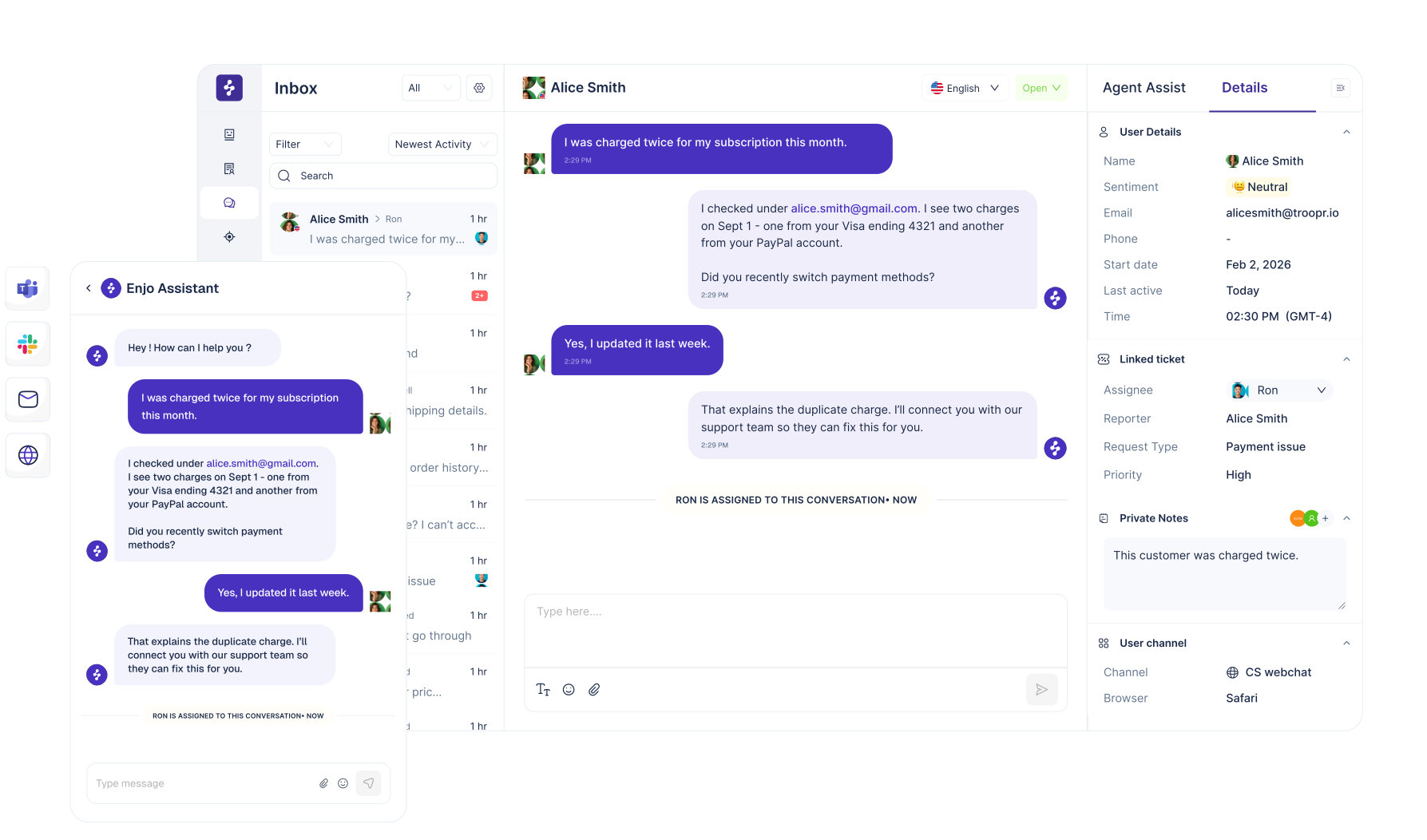
Enjo combines AI self-serve, a workflow-based AI Agent, and a shared Inbox to deliver instant knowledge-grounded answers, AI triage, summaries, and drafted replies across channels, plus end-to-end workflow automation with safe escalation.




Start free. Stay free. Upgrade only when AI usage grows.
Included at $0:
- Unlimited seats in Enjo Inbox (Help Desk)
- Unlimited seats in Enjo Help Center (Knowledge Base)
- Free AI credits every month to use Enjo AI Agent
- Pay only for additional AI usage beyond included credits
- Free custom demo with the Enjo product team
Need more automation? Pay only for additional AI replies as you scale (usage-based).
What AI customer support should do for you
Most teams do not need “AI that chats.” They need outcomes:


How Enjo works end-to-end


Self-serve resolves first (Help Center)
AI Agent automates defined workflows
Inbox handles exceptions without losing context
What you can automate first
Start with the workflows that usually dominate customer support queues


What you get on Day 1
Connect a channel or publish your Help Center and Enjo starts creating value immediately


Products included in your rollout


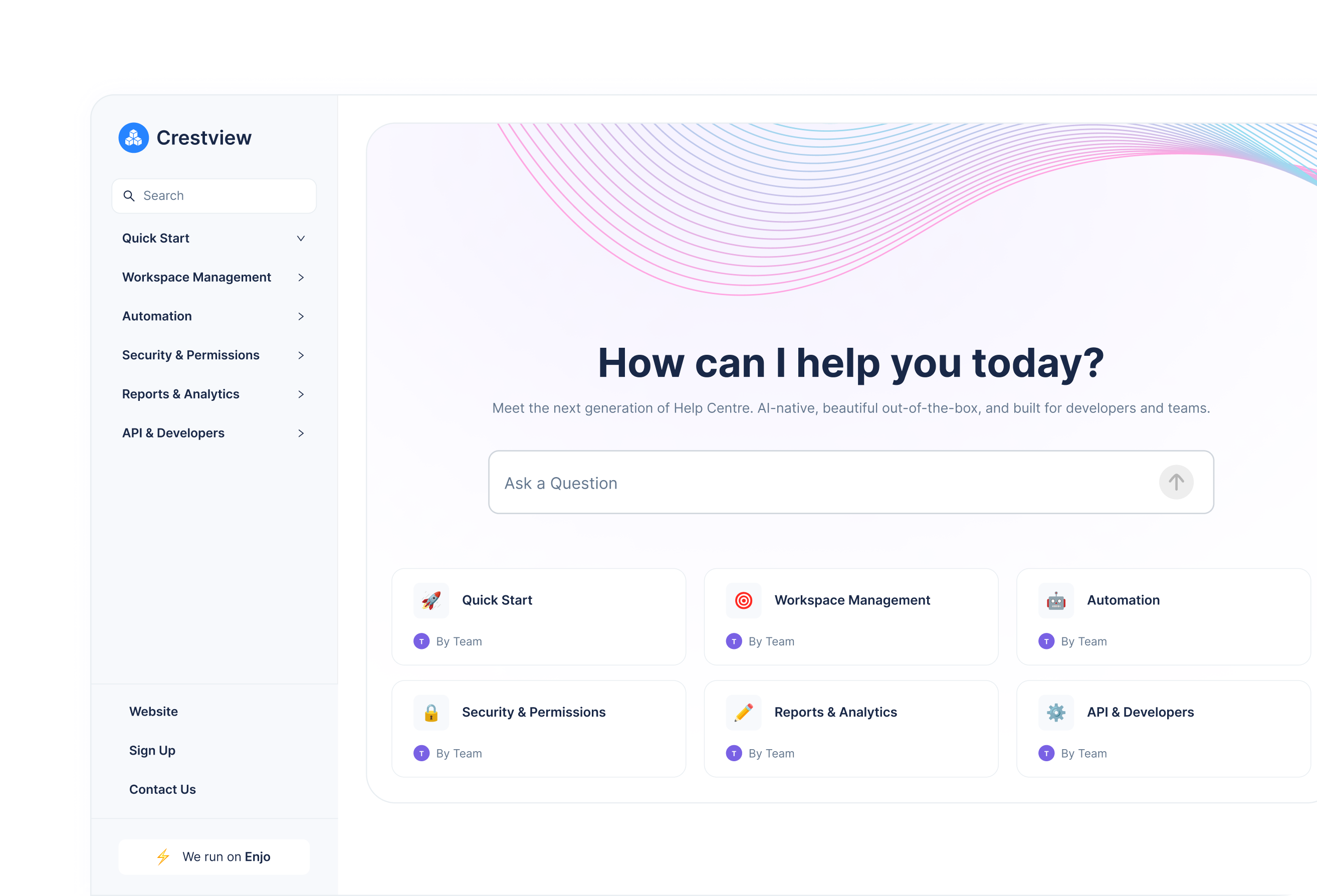
AI-native self-serve that stays current
- Answer questions with intent, context, and recency
- Keep knowledge aligned with your tools and updates
- Escalate to a human when needed without losing context
Workflow-based autonomous resolution
- Define workflows in plain English, then deploy them fast
- Use your knowledge as the source of truth
- Apply guardrails that decide when to resolve vs escalate
- Improve outcomes over time with feedback and testing
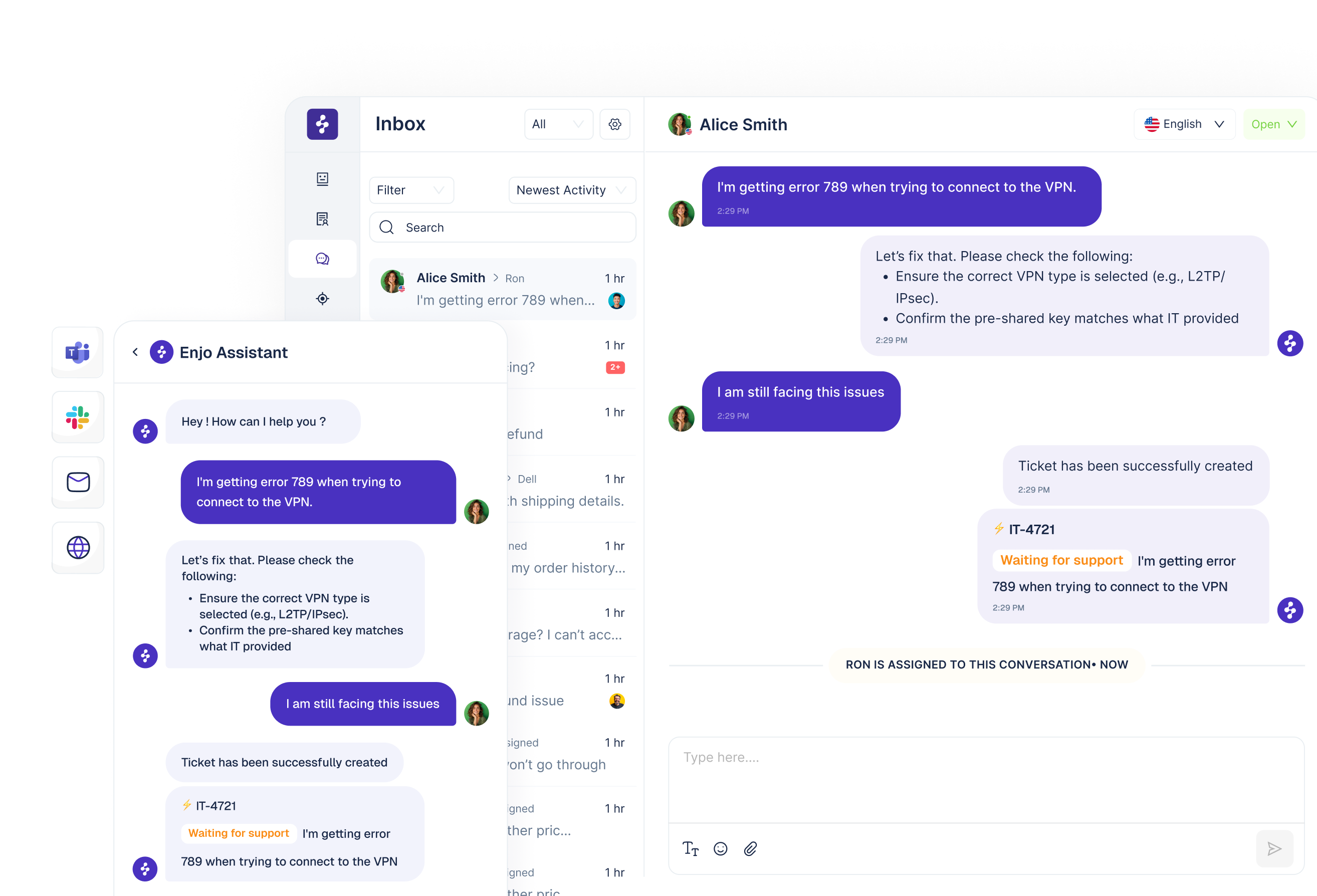
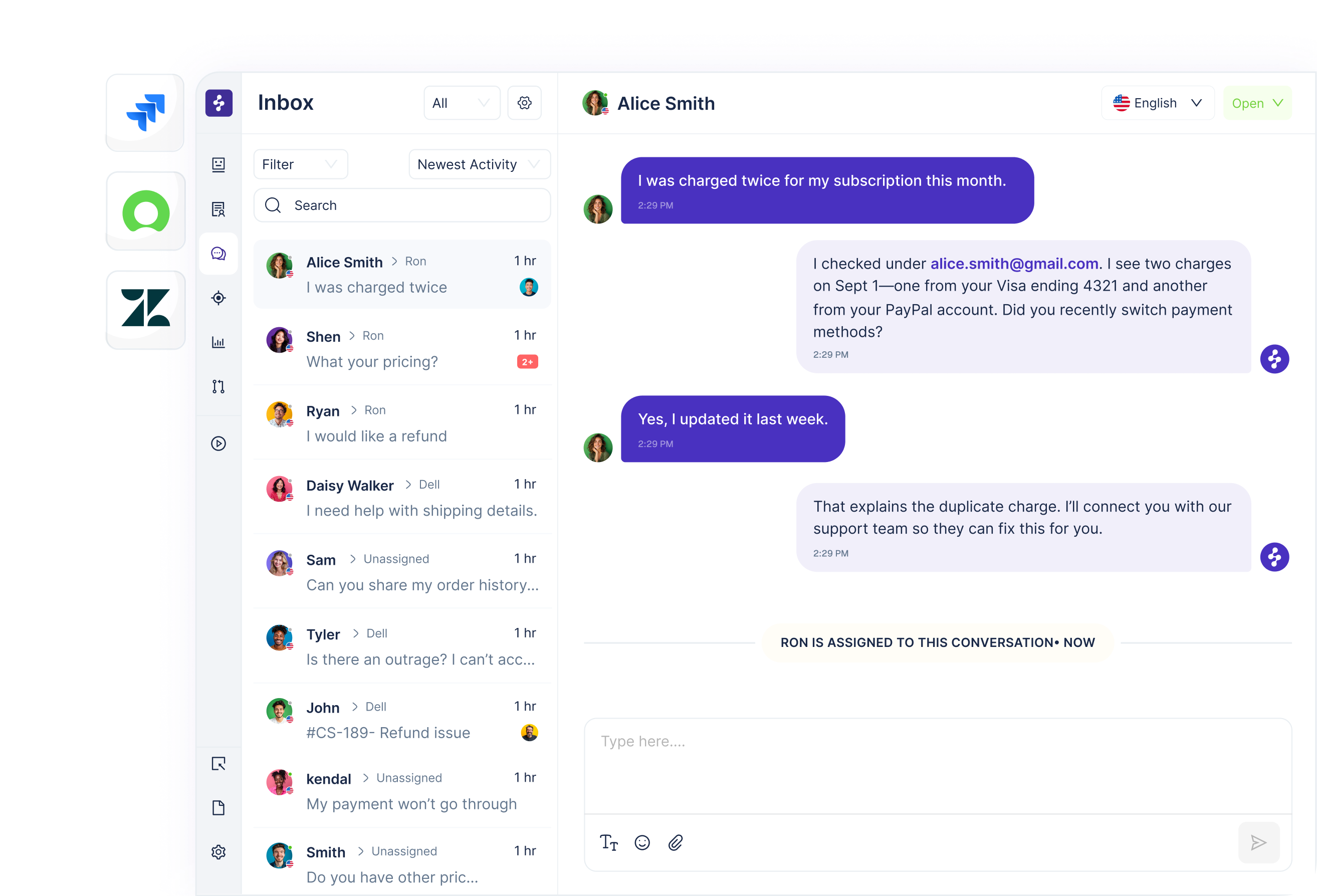
Shared inbox for fast resolution across channels
- One workspace for Slack, Teams, email, and web chat
- AI triage, summaries, and drafted replies for every conversation
- Clear AI-to-human handoff with full history and customer context
- Workload distribution, SLAs, and views to stay in control
Safety and control you can trust
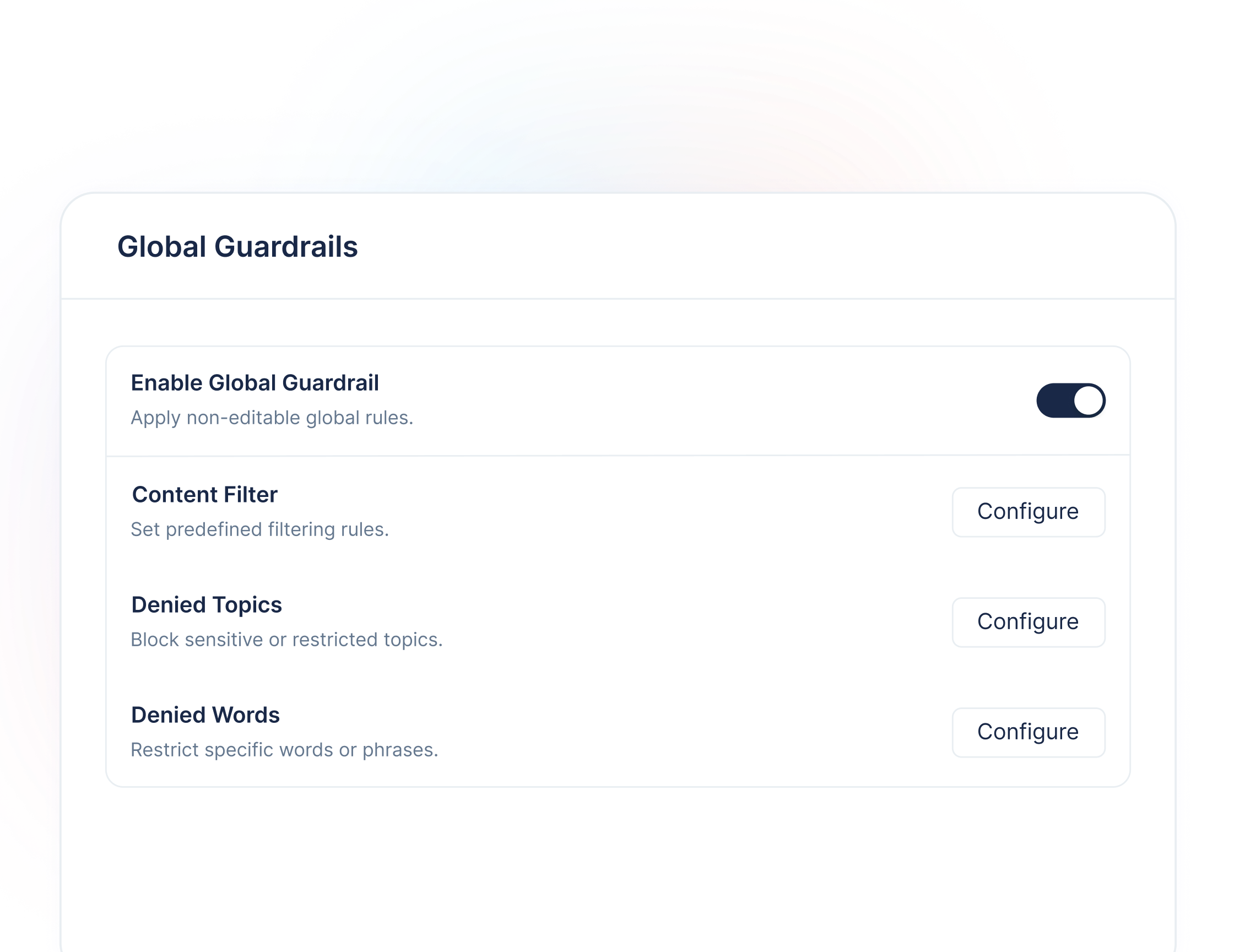
Enjo is designed for safe, governable automation:
- Workflow-first automation so outcomes are predictable
- Knowledge-grounded answers to reduce hallucinations
- Guardrails and escalation to keep humans in control
- Traceability for what the AI did, referenced, and decided
Fits into the tools you already use
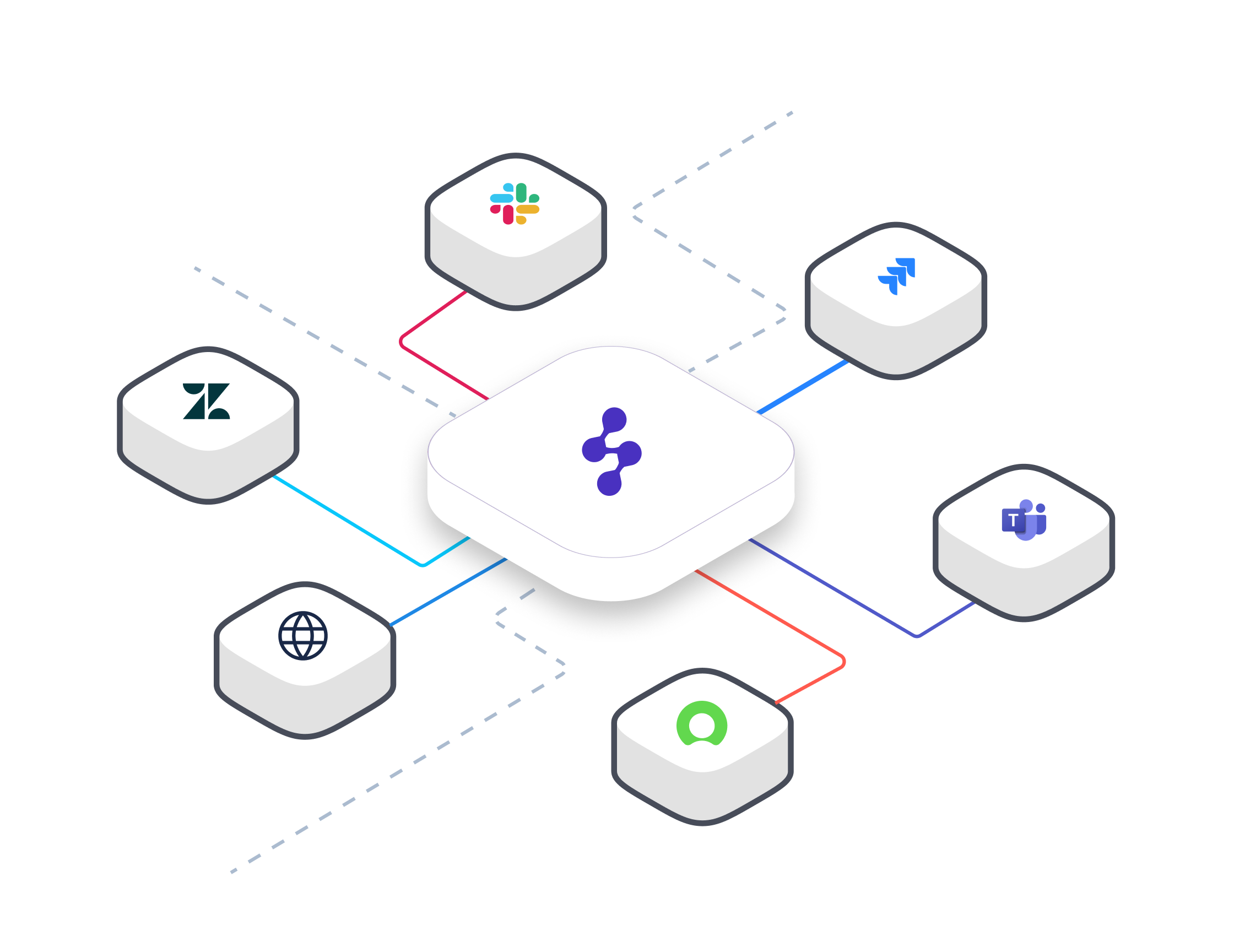
Connect the channels where customers already reach you, and the systems your team already runs.
- Channels: Slack, Teams, email, web chat
- Systems: Salesforce, Zendesk, Jira, ServiceNow, and more
Start small. Roll out in days. Expand when it works.
Why teams choose Enjo for customer support automation
Proven, trusted platform
Enjo is running in production for 600+ companies, including Snowflake, Netflix, and Spotify.
What it means: you’re buying a battle-tested product, not experimenting with an unproven tool.
Strong security without slowing you down
Troopr Labs is SOC 2 Type II compliant, meeting enterprise-grade security and data protection standards.
Why it matters: secure automation with no future compliance surprises.
Reliable automation with real human backup
Backed by 24×7×365 support and a 99.9% uptime track record over the past 5 years.
Bottom line: support stays online and supported when volume spikes.
Stable vendor built for the long run
Founded in 2019, Troopr Labs has been profitable since its second year and is customer-funded.
Takeaway: low vendor risk and no need to replatform due to instability.
Fits easily into your existing tools
Integrates with tools many teams already use, including Slack, Salesforce, Atlassian, AWS, and more.
Result: faster rollout, lower IT effort, and automation that actually gets used.
Frequently asked questions
Enjo Inbox can be your built-in helpdesk. Enjo can also work alongside an existing helpdesk if you want to roll out gradually.

Connect a channel and start getting summaries and drafted replies immediately. Publish your Help Center to start deflecting questions fast.
You define workflows, connect trusted knowledge sources, and set guardrails that determine when the AI can resolve vs when it must escalate.
It escalates to a human with a complete handoff, including context and what it already gathered or tried.
No. Start with connected sources and publish quickly, then improve coverage over time.


Start Free. Prove Value. Scale When Ready.
Use Enjo for real customer conversations and see how it fits your support workflow. Scale as your support grows.